> For the complete documentation index, see [llms.txt](https://unsloth.ai/docs/llms.txt). Markdown versions of documentation pages are available by appending `.md` to page URLs; this page is available as [Markdown](https://unsloth.ai/docs/zh/kai-shi-shi-yong/install/amd.md).

# 使用 Unsloth 在 AMD GPU 上微调 LLM 指南

在 AMD 硬件上微调 LLM，速度最高快 2 倍，显存占用减少约 70%，无需 NVIDIA。Unsloth 支持 AMD Radeon RDNA 2/3/3.5/4（RX 6000–9000 系列）以及数据中心 GPU，包括 MI300X（192GB）。

{% stepper %}
{% step %}

#### **一行安装程序**

**最简单的安装：** 使用一行安装程序即可跳过下面所有步骤，它会自动检测你的 AMD GPU，安装针对 ROCm 优化的 PyTorch、bitsandbytes，并启动 Unsloth Studio：

```
curl -fsSL https://unsloth.ai/install.sh | sh
```

<div data-with-frame="true"><figure><img src="/files/30543266a9a7def4f7b9c3aeed721109e80653e3" alt="" width="563"><figcaption></figcaption></figure></div>

下面的手动步骤适用于只想安装 Python 库、不使用 Studio 的用户。
{% endstep %}

{% step %}

#### **创建新的隔离环境（可选）**

为了不破坏任何系统包，你可以创建一个隔离的 pip 环境。记得检查你使用的 Python 版本！它可能是 `pip3`, `pip3.13`, `python3`, `python.3.13` 等等。

{% code overflow="wrap" %}

```bash
apt update && apt install python3.10-venv python3.11-venv python3.12-venv python3.13-venv -y

python3 -m venv unsloth_env
source unsloth_env/bin/activate
pip install uv
```

{% endcode %}

<div data-with-frame="true"><figure><img src="/files/51e1846297dd7b8860c5fd980e45e03c9610d128" alt="" width="563"><figcaption></figcaption></figure></div>

<div data-with-frame="true"><figure><img src="/files/38bd8d528858ebb3861807e7a3efc3be1f3ad782" alt="" width="365"><figcaption></figcaption></figure></div>
{% endstep %}

{% step %}

#### **安装 PyTorch**

*从以下地址安装支持 ROCm 的 PyTorch：* <https://pytorch.org/> 通过 \`amd-smi --version\` 检查你的 ROCm 版本，然后将 `https://download.pytorch.org/whl/rocm7.1` 修改为匹配你的版本。 **需要 ROCm 6.0 或更新版本。** ROCm 5.x 及以下没有 PyTorch wheel 包。

{% code overflow="wrap" %}

```bash
uv pip install "torch>=2.4,<2.11.0" "torchvision<0.26.0" "torchaudio<2.11.0" \
    --index-url https://download.pytorch.org/whl/rocm7.1 --upgrade --force-reinstall
```

{% endcode %}

<div data-with-frame="true"><figure><img src="/files/f28b1467d1f63fddb5d4a11760e6af082ffd838f" alt="" width="563"><figcaption></figcaption></figure></div>

*版本上限可以防止意外拉取 torch 2.11+，因为它只提供 ROCm 7.2 的 wheel 包，会导致出错。像前面一样，将 `rocm7.1` 更新为与你检测到的版本相匹配。*

如果有帮助，我们也编写了一个单行终端命令来提取正确的 ROCM 版本。

```bash
ROCM_TAG="$({ command -v amd-smi >/dev/null 2>&1 && amd-smi version 2>/dev/null | awk -F'ROCm version: ' 'NF>1{split($2,a,"."); print "rocm"a[1]"."a[2]; ok=1; exit} END{exit !ok}'; } || { [ -r /opt/rocm/.info/version ] && awk -F. '{print "rocm"$1"."$2; exit}' /opt/rocm/.info/version; } || { command -v hipconfig >/dev/null 2>&1 && hipconfig --version 2>/dev/null | awk -F': *' '/HIP version/{split($2,a,"."); print "rocm"a[1]"."a[2]; ok=1; exit} END{exit !ok}'; } || { command -v dpkg-query >/dev/null 2>&1 && ver="$(dpkg-query -W -f="${Version}\n" rocm-core 2>/dev/null)" && [ -n "$ver" ] && awk -F'[.-]' '{print "rocm"$1"."$2; exit}' <<<"$ver"; } || { command -v rpm >/dev/null 2>&1 && ver="$(rpm -q --qf '%{VERSION}\n' rocm-core 2>/dev/null)" && [ -n "$ver" ] && awk -F'[.-]' '{print "rocm"$1"."$2; exit}' <<<"$ver"; })"; [ -n "$ROCM_TAG" ] && uv pip install "torch>=2.4,<2.11.0" "torchvision<0.26.0" "torchaudio<2.11.0" --index-url "https://download.pytorch.org/whl/$ROCM_TAG" --upgrade --force-reinstall
```

*注意：如果你的 ROCm 版本是 7.2 或更高，请将 `$ROCM_TAG` 在上面的命令中替换为 `rocm7.1，` 因为 7.2+ 目前还没有 PyTorch wheel 包。*

<div data-with-frame="true"><figure><img src="/files/32193cb824eed2493d495466f5ee5055ea818ad7" alt="" width="563"><figcaption></figcaption></figure></div>
{% endstep %}

{% step %}

#### **安装 Unsloth**

使用 AMD 附加组件安装 Unsloth：

{% code overflow="wrap" %}

```bash
uv pip install unsloth[amd]
```

{% endcode %}

<div data-with-frame="true"><figure><img src="/files/0e506109f92725bc4d0c9cc7fed5e363e8750ed8" alt="" width="547"><figcaption></figcaption></figure></div>

⚠️ AMD 必需：安装与 ROCm 兼容的 bitsandbytes\
所有 ROCm 系统都需要预发布版本的 bitsandbytes 构建，版本 ≤ 0.49.2 在所有 AMD GPU 上都有 4-bit 解码 NaN bug。注意：这一步请使用 `pip` 而不是 `uv` 来执行， `uv` 因为它会由于文件名中的版本不匹配而拒绝该预发布 wheel 包。

{% code overflow="wrap" %}

```bash
# x86_64 系统：
pip install --force-reinstall --no-cache-dir --no-deps \
    "https://github.com/bitsandbytes-foundation/bitsandbytes/releases/download/continuous-release_main/bitsandbytes-1.33.7.preview-py3-none-manylinux_2_24_x86_64.whl"

# aarch64 系统：将上面 URL 中的 x86_64 替换为 aarch64

# 如果 URL 无法访问，则回退：
# pip install --force-reinstall --no-cache-dir --no-deps "bitsandbytes>=0.49.1"
```

{% endcode %}

<div data-with-frame="true"><figure><img src="/files/f5a35b44b396d4fec4687137f841389e45e3b259" alt="" width="563"><figcaption></figcaption></figure></div>
{% endstep %}

{% step %}

#### **开始使用 Unsloth 进行微调吧！**

就是这样。欢迎在我们的 [**Unsloth Notebooks**](/docs/zh/kai-shi-shi-yong/unsloth-notebooks.md) 页面里试试一些示例！

你还可以查看我们专门的 [微调](/docs/zh/kai-shi-shi-yong/fine-tuning-llms-guide.md) 或 [强化学习](/docs/zh/kai-shi-shi-yong/reinforcement-learning-rl-guide.md) 指南。下面也给出一个简短示例：

**1. 设置环境变量**

{% code overflow="wrap" %}

```bash
export HSA_OVERRIDE_GFX_VERSION=9.4.2  # AMD MI300X 所需
export HF_HUB_DISABLE_XET=1            # 修复 AMD 上的 HuggingFace 下载问题
```

{% endcode %}

***注意：*** *`HSA_OVERRIDE_GFX_VERSION=9.4.2` 告诉 ROCm 将你的 GPU 视为 gfx942（MI300X）。如果没有这个设置，某些 kernel 可能无法编译或运行。*

**2. 加载并配置模型**

{% code overflow="wrap" %}

```python
from unsloth import FastModel

model, tokenizer = FastModel.from_pretrained(
    model_name = "unsloth/gemma-4-26b-a4b-it",
    max_seq_length = 2048,
    load_in_4bit = True,
)

model = FastModel.get_peft_model(
    model,
    r = 16,
    lora_alpha = 16,
    target_modules = ["q_proj", "k_proj", "v_proj", "o_proj"],
)
```

{% endcode %}

**3. 训练**

{% code overflow="wrap" %}

```python
from trl import SFTTrainer, SFTConfig

trainer = SFTTrainer(
    model = model,
    tokenizer = tokenizer,
    train_dataset = dataset,
    formatting_func = formatting_func,
    args = SFTConfig(
        per_device_train_batch_size = 1,
        gradient_accumulation_steps = 4,
        max_steps = 60,
        output_dir = "outputs",
        report_to = "none",
    ),
)

trainer_stats = trainer.train()
```

{% endcode %}

<div data-with-frame="true"><figure><img src="/files/8155c29bfe7b82cabcc3a90793b5bbd431d33907" alt="" width="375"><figcaption></figcaption></figure></div>

***注意：** 在 AMD GPU 上，Flash Attention 2 不可用。Unsloth 会自动回退到 Xformers，它在 ROCm 上提供等效性能。这个警告可以安全忽略。*
{% endstep %}
{% endstepper %}

### :1234: AMD GPU 上的强化学习

你可以使用我们的 :ledger:[gpt-oss RL auto win 2048](https://github.com/unslothai/notebooks/blob/main/nb/AMD-gpt_oss_\(20B\)_Reinforcement_Learning_2048_Game_BF16.ipynb) 在 MI300X（192GB）GPU 上的示例。目标是自动玩 2048 游戏，并通过 RL 赢得它。LLM（gpt-oss 20b）会自动制定赢得 2048 游戏的策略，我们会对获胜策略计算高奖励，对失败策略计算低奖励。

{% columns %}
{% column %}

<figure><img src="/files/8ab1a455dfdf205b2a7123909ad661196cdb8e47" alt=""><figcaption></figcaption></figure>
{% endcolumn %}

{% column %}
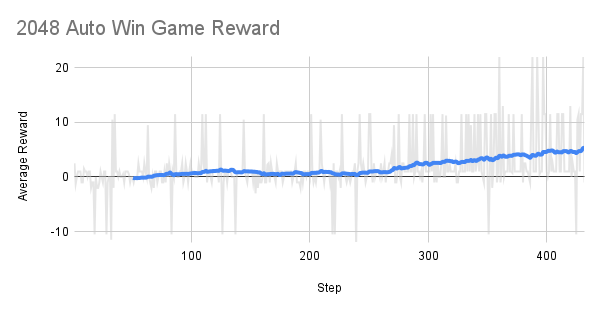
大约 300 步左右后，奖励随时间在增加！

RL 的目标是最大化平均奖励，以赢得 2048 游戏。

<figure><img src="/files/387dfa47f663e4aae91242a3939b4ae4fbc6f06b" alt=""><figcaption></figcaption></figure>
{% endcolumn %}
{% endcolumns %}

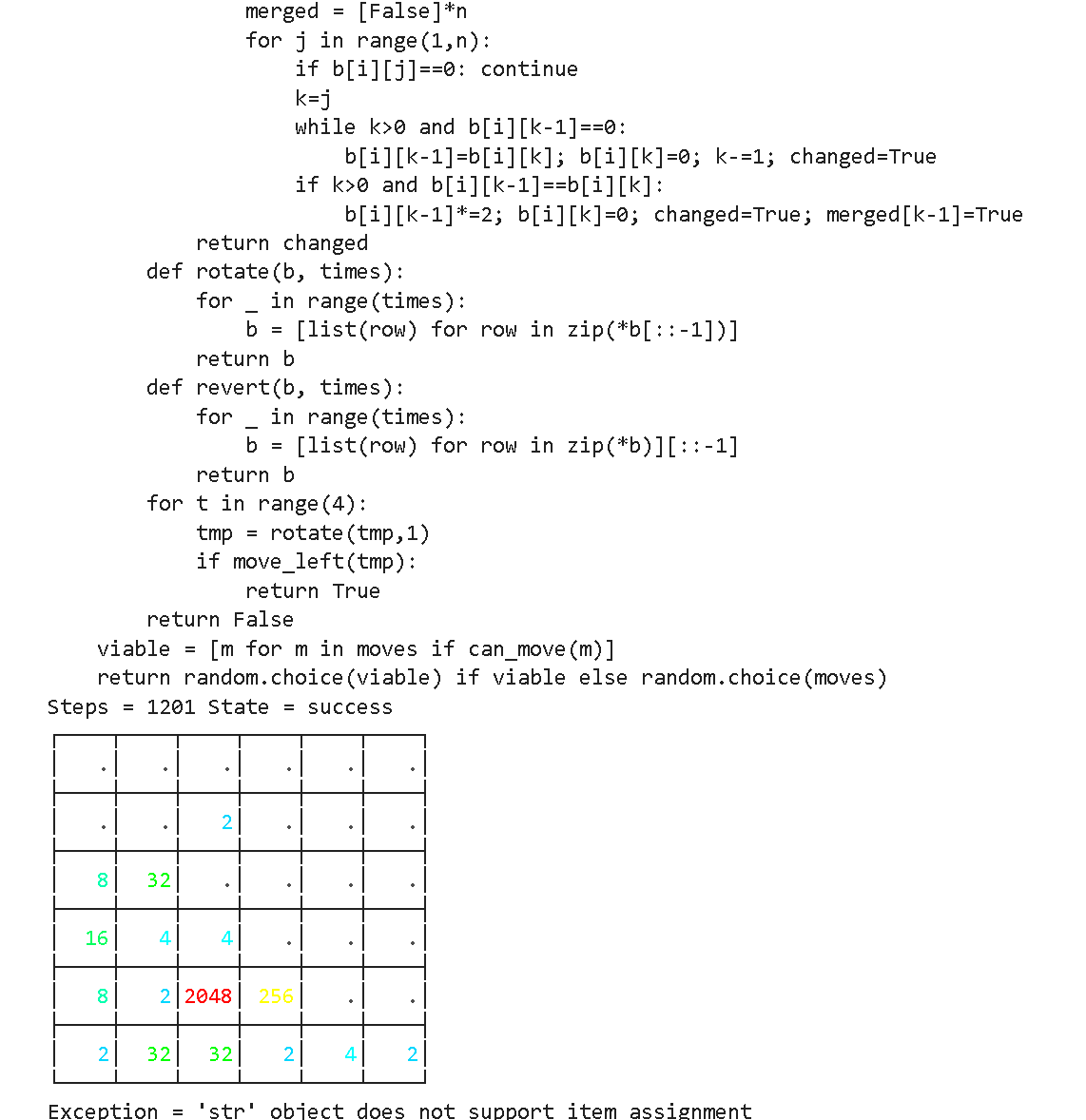
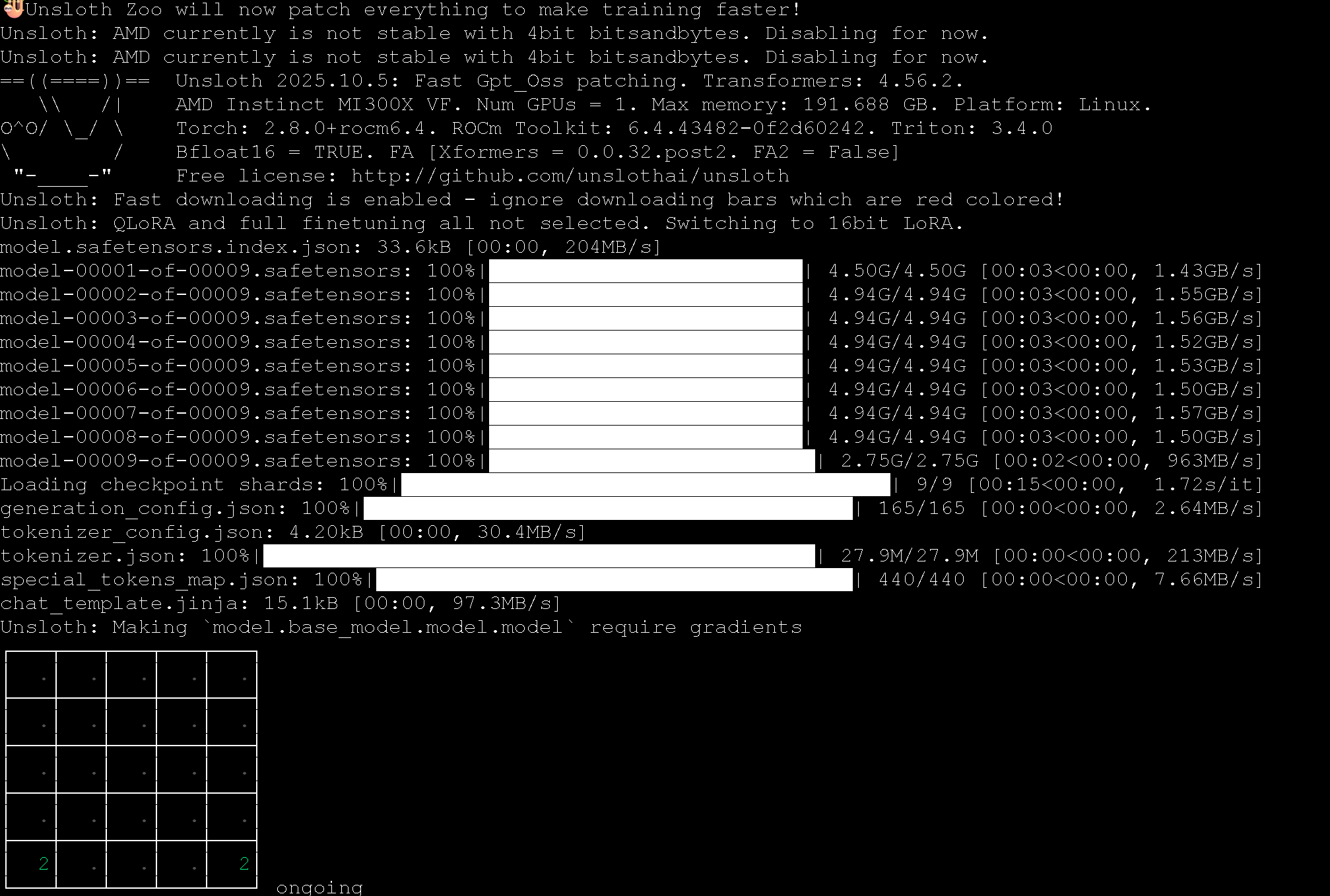
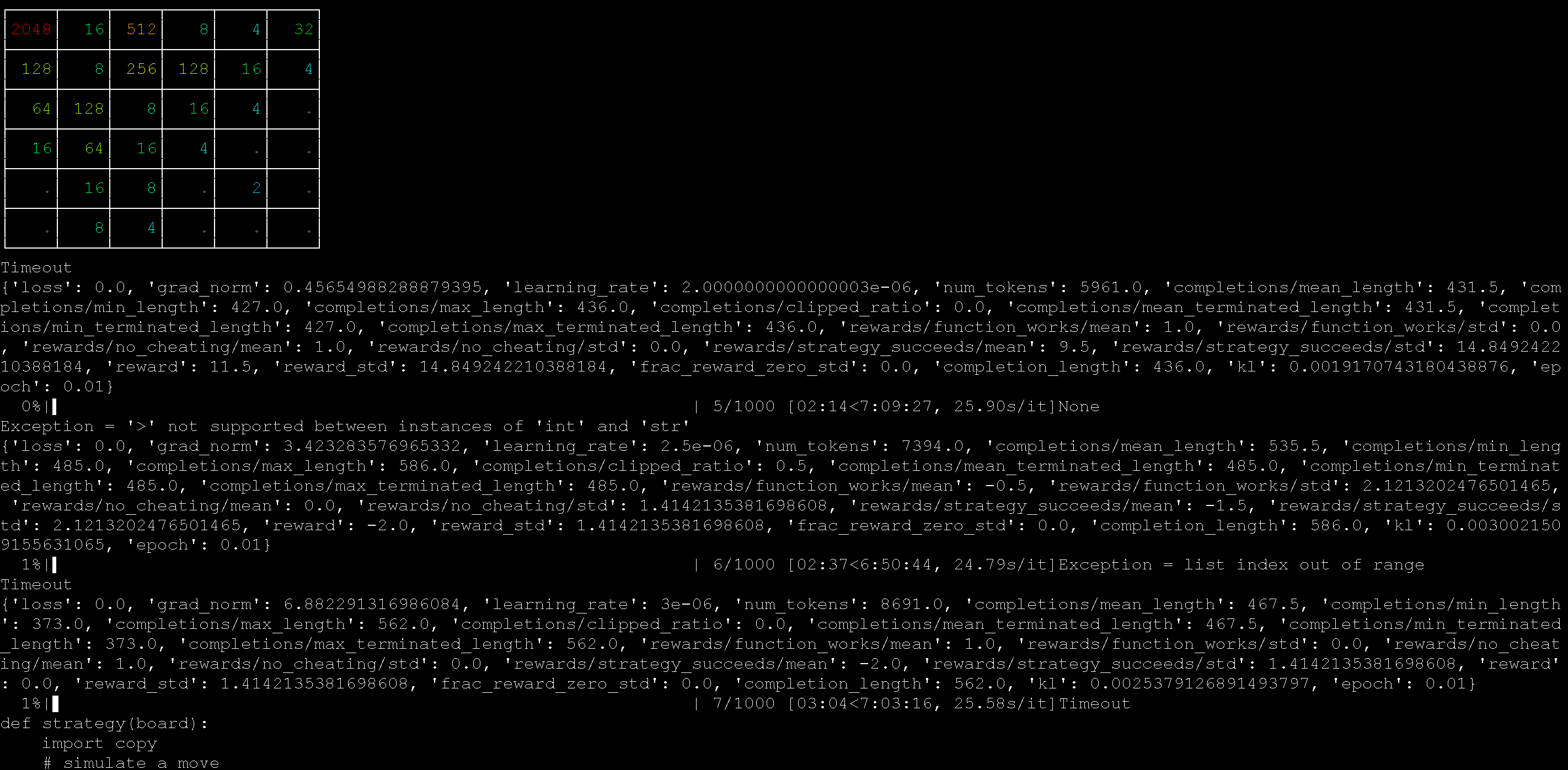
我们使用一台 AMD MI300X 机器（192GB）运行了 2048 RL 示例，并且效果很好！

<div><figure><img src="/files/a727779807967df2911f0626475f3be2f0237c8a" alt=""><figcaption></figcaption></figure> <figure><img src="/files/54c03a84978b91f6c6a34023b81d62cbae93f000" alt=""><figcaption></figcaption></figure></div>

你还可以使用我们的 :ledger:[automatic kernel gen RL notebook](https://github.com/unslothai/notebooks/blob/main/nb/AMD-gpt_oss_\(20B\)_GRPO_BF16.ipynb) 也可配合 gpt-oss 自动在 Python 中创建矩阵乘法 kernel。该 notebook 还设计了多种方法来对抗 reward hacking。

{% columns %}
{% column width="50%" %}
我们用于自动创建这些 kernel 的提示词是：

{% code overflow="wrap" %}

````
仅使用原生 Python 代码创建一个新的快速矩阵乘法函数。
你会得到一个数值列表的列表。
请按照下面的格式，用反引号输出你的新函数：
```
python
def matmul(A, B):
    return ...
```
````

{% endcode %}
{% endcolumn %}

{% column width="50%" %}
例如，RL 过程会学习如何在 Python 中应用 Strassen 算法来更快地进行矩阵乘法。

<figure><img src="/files/c9546dcf74c64924e1d39c19b2d797f233a95265" alt="" width="375"><figcaption></figcaption></figure>
{% endcolumn %}
{% endcolumns %}

### :books:AMD 免费一键笔记本

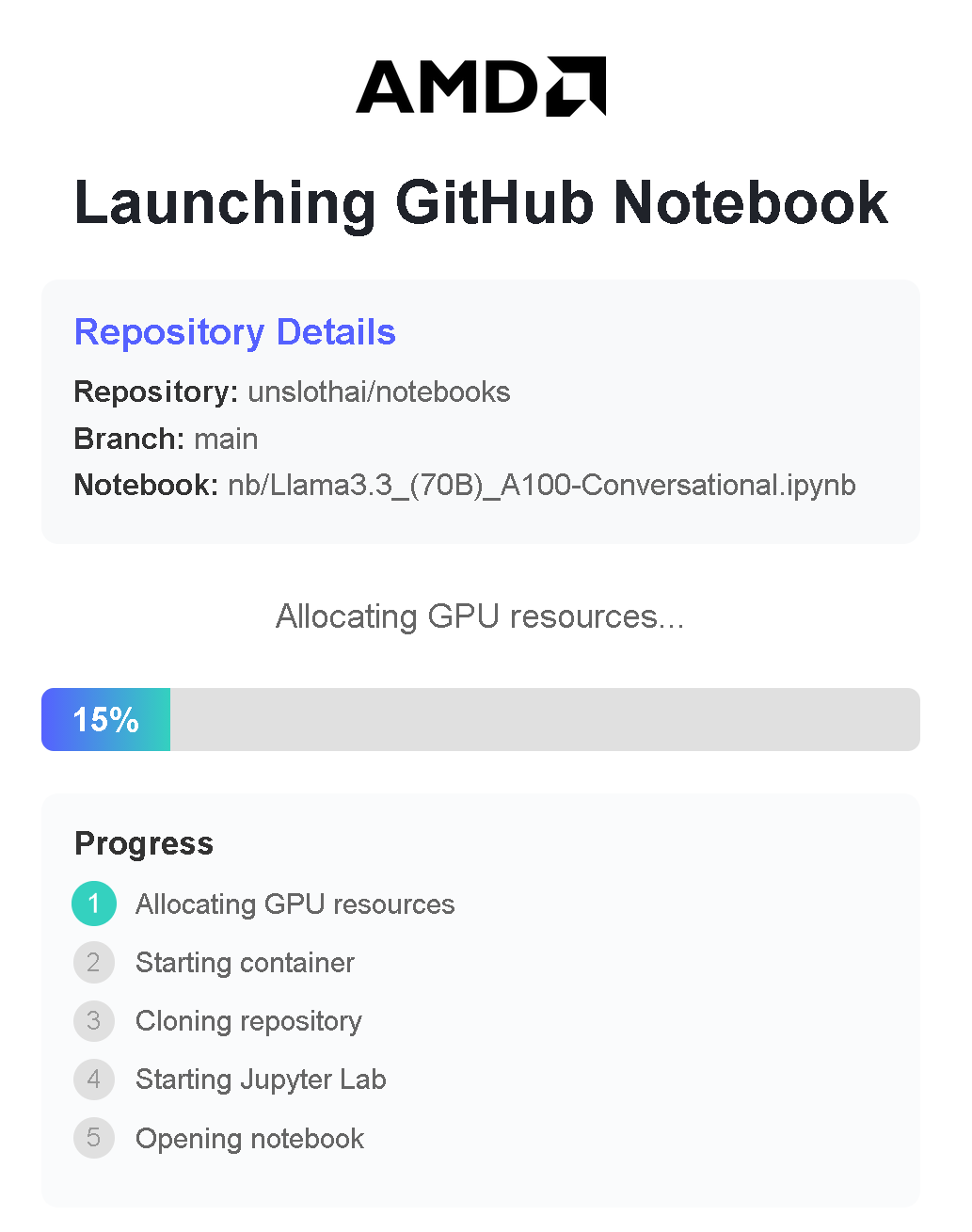
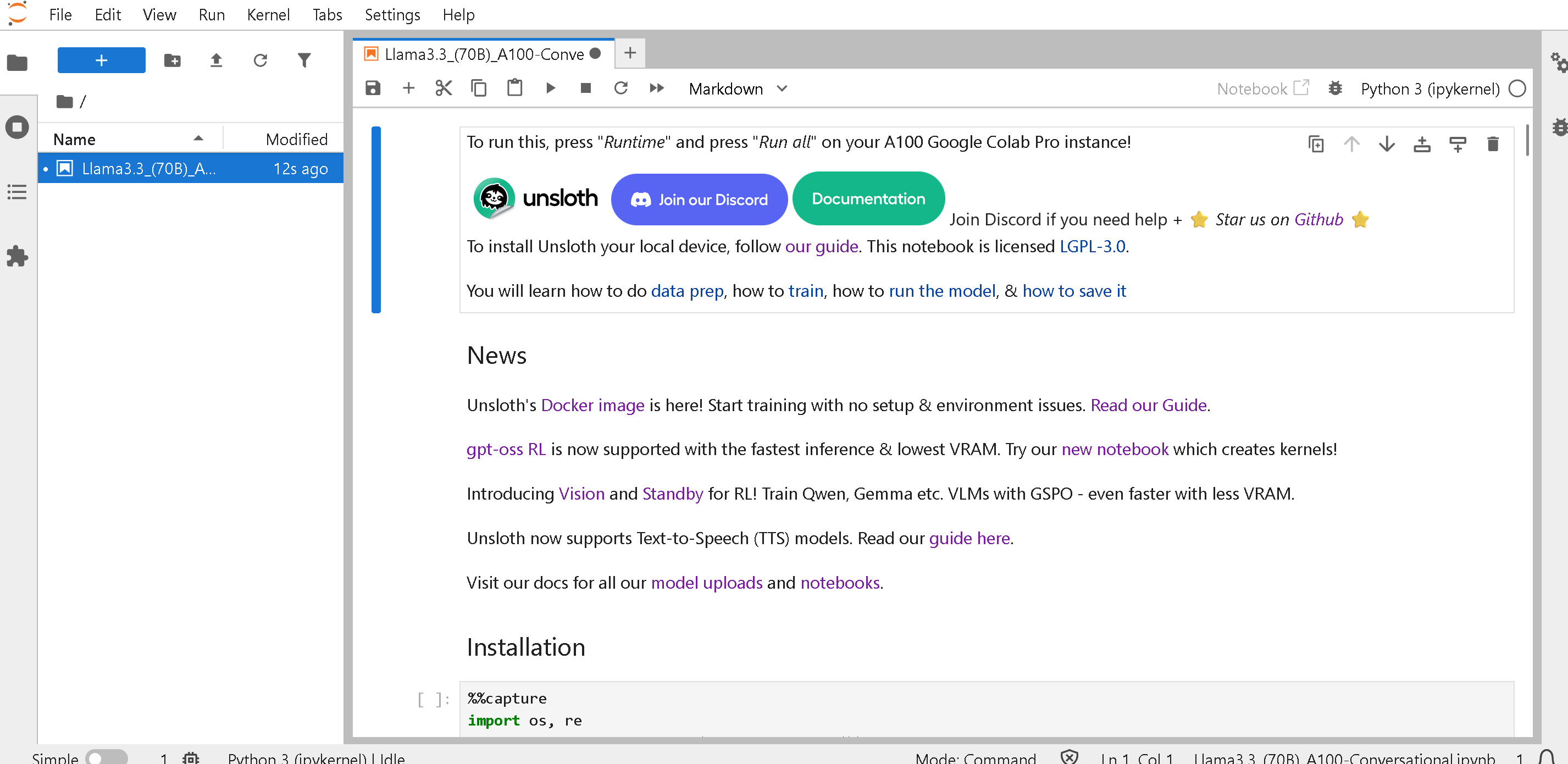
AMD 提供配备以下资源的一键笔记本： **免费的 192GB 显存 MI300X GPU** 通过他们的 Dev Cloud 提供。可完全免费训练大型模型（无需注册或信用卡）：

* [Qwen3（32B）](https://amd-ai-academy.com/github/unslothai/notebooks/blob/main/nb/Qwen3_\(32B\)_A100-Reasoning-Conversational.ipynb)
* [Llama 3.3（70B）](https://amd-ai-academy.com/github/unslothai/notebooks/blob/main/nb/AMD-Llama3.3_\(70B\)_A100-Conversational.ipynb)
* [Qwen3（14B）](https://amd-ai-academy.com/github/unslothai/notebooks/blob/main/nb/AMD-Qwen3_\(14B\)-Reasoning-Conversational.ipynb)
* [Mistral v0.3（7B）](https://amd-ai-academy.com/github/unslothai/notebooks/blob/main/nb/AMD-Mistral_v0.3_\(7B\)-Alpaca.ipynb)
* [GPT OSS MXFP4（20B）](https://amd-ai-academy.com/github/unslothai/notebooks/blob/main/nb/AMD-GPT_OSS_MXFP4_\(20B\)-Inference.ipynb) - 推理
* [Gemma4（E2B）](https://amd-ai-academy.com/github/unslothai/notebooks/blob/main/nb/Gemma4_\(E2B\)_Reinforcement_Learning_Sudoku_Game.ipynb) - RL 数独
* Unsloth Studio

{% embed url="<https://oneclickamd.ai/github/unslothai/notebooks/blob/main/nb/gpt_oss_(20B)_Reinforcement_Learning_2048_Game_BF16.ipynb>" %}

你可以通过在前面添加 <https://amd-ai-academy.com/github/unslothai/notebooks/blob/main/nb> 到 [Unsloth 笔记本](/docs/zh/kai-shi-shi-yong/unsloth-notebooks.md) 并将链接从 <https://github.com/unslothai/notebooks/blob/main/nb/AMD-gpt_oss_(20B)_Reinforcement_Learning_2048_Game_BF16.ipynb>\
改为 <https://amd-ai-academy.com/github/unslothai/notebooks/blob/main/nb/AMD-Gemma4_(E2B)_Reinforcement_Learning_Sudoku_Game.ipynb>

{% columns %}
{% column width="33.33333333333333%" %}

<figure><img src="/files/9a8a06b6de8a890de6aa3660169d9463ad09f99a" alt=""><figcaption></figcaption></figure>
{% endcolumn %}

{% column width="66.66666666666667%" %}

<figure><img src="/files/5525db179186b6f0e8bf74c1c3d391e3a994a222" alt=""><figcaption></figcaption></figure>
{% endcolumn %}
{% endcolumns %}


---

# Agent Instructions
This documentation is published with GitBook. GitBook is the documentation platform designed so that both humans and AI agents can read, navigate, and reason over technical content effectively. Learn more at gitbook.com.

## Querying This Documentation
If you need additional information that is not directly available in this page, you can query the documentation dynamically by asking a question.

Perform an HTTP GET request on the current page URL with the `ask` query parameter:

```
GET https://unsloth.ai/docs/zh/kai-shi-shi-yong/install/amd.md?ask=<question>
```

The question should be specific, self-contained, and written in natural language.
The response will contain a direct answer to the question and relevant excerpts and sources from the documentation.

Use this mechanism when the answer is not explicitly present in the current page, you need clarification or additional context, or you want to retrieve related documentation sections.