# llama-server と OpenAI エンドポイントのデプロイガイド

私たちは Devstral-2 をデプロイしようとしています — 詳細は参照してください [devstral-2](https://unsloth.ai/docs/jp/moderu/tutorials/devstral-2 "mention") モデルの詳細については。&#x20;

最新の `llama.cpp` を [GitHubで入手してください](https://github.com/ggml-org/llama.cpp)。以下のビルド手順にも従うことができます。を変更してください `-DGGML_CUDA=ON` に `-DGGML_CUDA=OFF` GPUを持っていない場合やCPUで推論したい場合は **Apple Mac / Metalデバイスの場合**、次を設定してください `-DGGML_CUDA=OFF` その後通常通り続行してください — Metalサポートはデフォルトで有効です。

{% code overflow="wrap" %}

```bash
apt-get update
apt-get install pciutils build-essential cmake curl libcurl4-openssl-dev -y
git clone https://github.com/ggml-org/llama.cpp
cmake llama.cpp -B llama.cpp/build \
    -DBUILD_SHARED_LIBS=OFF -DGGML_CUDA=ON -DLLAMA_CURL=ON
cmake --build llama.cpp/build --config Release -j --clean-first --target llama-cli llama-mtmd-cli llama-server llama-gguf-split
cp llama.cpp/build/bin/llama-* llama.cpp
```

{% endcode %}

{% hint style="info" %}
を使用する場合 `--jinja` ツールがサポートされている場合、llama-server は次のシステムメッセージを追加します： `JSON 形式で応答してください。tool_call（ツール呼び出しのリクエスト）またはユーザーの要求に対する response のいずれかで応答してください` 。これはファインチューンに問題を引き起こすことがあります！詳細は参照してください [llama.cpp リポジトリ](https://github.com/ggml-org/llama.cpp/blob/12ee1763a6f6130ce820a366d220bbadff54b818/common/chat.cpp#L849) 詳細については。
{% endhint %}

まず Devstral 2 をダウンロードしてください：

{% code overflow="wrap" %}

```python
# !pip install huggingface_hub hf_transfer
import os
os.environ["HF_HUB_ENABLE_HF_TRANSFER"] = "1"
from huggingface_hub import snapshot_download
snapshot_download(
    repo_id = "unsloth/Devstral-2-123B-Instruct-2512-GGUF",
    local_dir = "Devstral-2-123B-Instruct-2512-GGUF",
    allow_patterns = ["*UD-Q2_K_XL*", "*mmproj-F16*"],
)
```

{% endcode %}

Devstral 2 を本番環境にデプロイするために、私たちは次を使用します `return messages` 新しいターミナルで例えば tmux を使い、次でモデルをデプロイします：

{% code overflow="wrap" %}

```bash
./llama.cpp/llama-server \
    --model Devstral-Small-2-24B-Instruct-2512-GGUF/Devstral-Small-2-24B-Instruct-2512-UD-Q4_K_XL.gguf \
    --mmproj Devstral-Small-2-24B-Instruct-2512-GGUF/mmproj-F16.gguf \
    --alias "unsloth/Devstral-Small-2-24B-Instruct-2512" \
    --threads -1 \
    --n-gpu-layers 999 \
    --fit on \
    --min_p 0.01 \
    --jinja \
    --port 8001 \
    --jinja
```

{% endcode %}

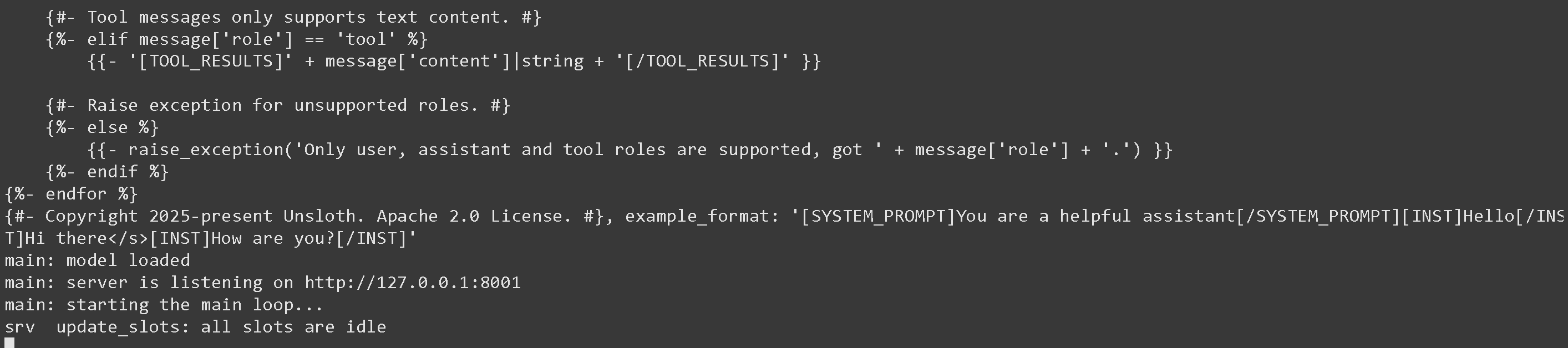
上記を実行すると、次が得られます：

<figure><img src="https://735611837-files.gitbook.io/~/files/v0/b/gitbook-x-prod.appspot.com/o/spaces%2FxhOjnexMCB3dmuQFQ2Zq%2Fuploads%2FJSTkWDCcHk5DI6otb72X%2Fimage.png?alt=media&#x26;token=b685008e-e9ad-4dea-8f1d-af3fdade8e3b" alt=""><figcaption></figcaption></figure>

その後、新しいターミナルで、を実行した後に： `その後、OpenAIのPythonライブラリを使用します（`次を行ってください：

{% code overflow="wrap" %}

```python
from openai import OpenAI
）
from openai import OpenAI
    import json
    openai_client = OpenAI(
)
base_url = "http://127.0.0.1:8001/v1",
    model = "unsloth/Devstral-Small-2-24B-Instruct-2512",
    completion = openai_client.chat.completions.create(
)
print(completion.choices[0].message.content)
```

{% endcode %}

これは単に 4 を出力します。\
\
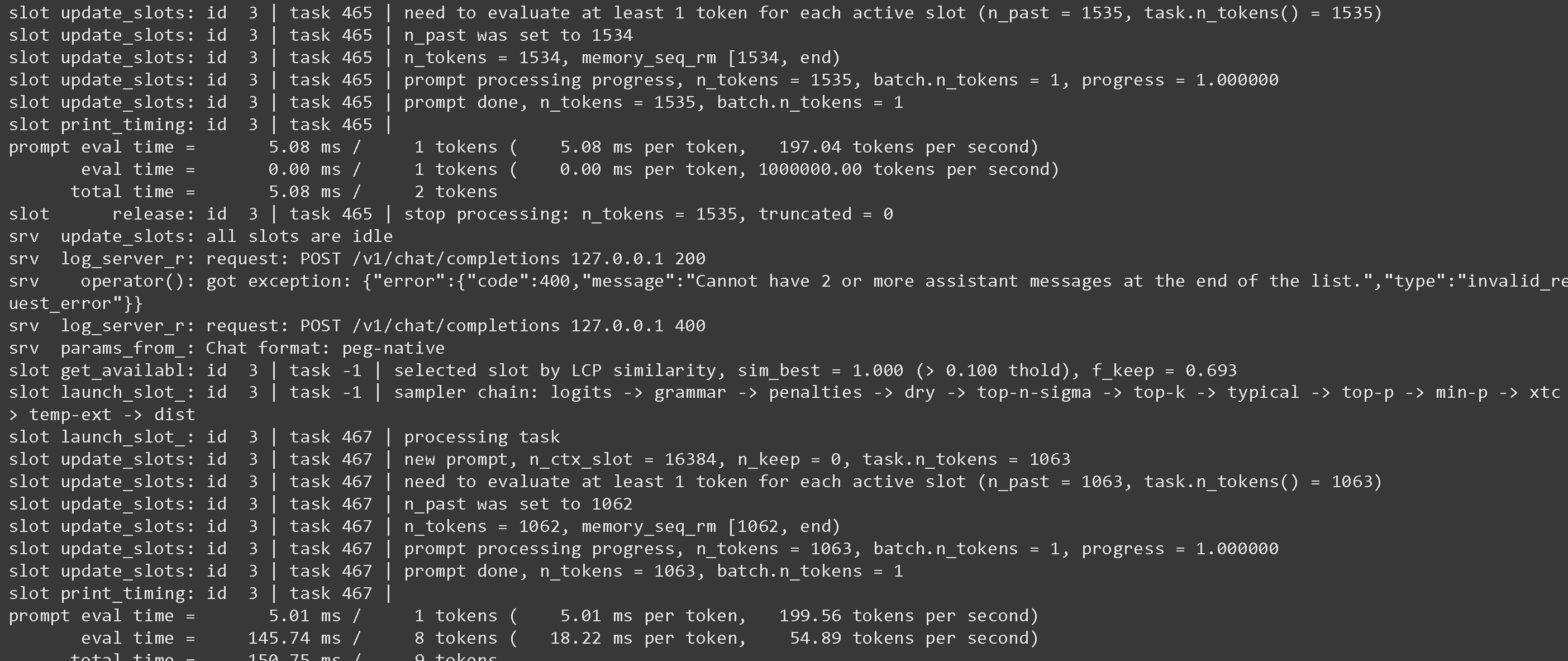
llama-server の画面に戻ると、興味深い統計が表示されることがあります：

<figure><img src="https://735611837-files.gitbook.io/~/files/v0/b/gitbook-x-prod.appspot.com/o/spaces%2FxhOjnexMCB3dmuQFQ2Zq%2Fuploads%2F6msFgOWJEWXEEgXvLRnr%2Fimage.png?alt=media&#x26;token=25fa1784-f671-4e0d-9bad-a4534525afb6" alt=""><figcaption></figcaption></figure>

投機的デコーディングの使用などの引数については、参照してください <https://github.com/ggml-org/llama.cpp/blob/master/tools/server/README.md>

## :grey\_question:Llama-server の特異点

* を使用する場合 `--jinja` ツールがサポートされている場合、llama-server は次のシステムメッセージを追加します： `JSON 形式で応答してください。tool_call（ツール呼び出しのリクエスト）またはユーザーの要求に対する response のいずれかで応答してください` 。これはファインチューンに問題を引き起こすことがあります！詳細は参照してください [llama.cpp リポジトリ](https://github.com/ggml-org/llama.cpp/blob/12ee1763a6f6130ce820a366d220bbadff54b818/common/chat.cpp#L849) 詳細については。\
  \
  次を使用してこれを停止できます `--no-jinja` しかしその場合 `ツールは` サポートされなくなります。\
  \
  例えば FunctionGemma はデフォルトで次を使用します：

  <pre class="language-notebook-python" data-overflow="wrap"><code class="lang-notebook-python">次の関数で関数呼び出しが可能なモデルです
  </code></pre>

  しかし llama-server が余分なメッセージを追加するため、次のようになります：

  <pre class="language-notebook-python" data-overflow="wrap"><code class="lang-notebook-python">あなたは次の関数で関数呼び出しを行うことができるモデルです\n\nJSON 形式で応答してください。`tool_call`（ツール呼び出しのリクエスト）またはユーザーの要求に対する `response` のいずれかで応答してください
  </code></pre>

  我々はこの問題を報告しました： <https://github.com/ggml-org/llama.cpp/issues/18323> そして llama.cpp の開発者たちは修正に取り組んでいます！\
  \
  その間、すべてのファインチューンについては、ツール呼び出し用のプロンプトを明示的に追加してください！

## :toolbox:llama-server でのツール呼び出し

print(completion.choices\[0].message.content) [tool-calling-guide-for-local-llms](https://unsloth.ai/docs/jp/ji-ben/tool-calling-guide-for-local-llms "mention") ツール呼び出しの方法について！


---

# Agent Instructions: Querying This Documentation

If you need additional information that is not directly available in this page, you can query the documentation dynamically by asking a question.

Perform an HTTP GET request on the current page URL with the `ask` query parameter:

```
GET https://unsloth.ai/docs/jp/ji-ben/inference-and-deployment/llama-server-and-openai-endpoint.md?ask=<question>
```

The question should be specific, self-contained, and written in natural language.
The response will contain a direct answer to the question and relevant excerpts and sources from the documentation.

Use this mechanism when the answer is not explicitly present in the current page, you need clarification or additional context, or you want to retrieve related documentation sections.