Your security and safety matter to us, and they're part of how we build Unsloth. Whether you're trying a new model or working on a project, we want you to feel comfortable using Unsloth Studio and Unsloth Desktop. We put that care into practice with checks for model downloads, controls for tool use and protections for your account. We also review our code and check the software that goes into each release.
Here's a look at the checks happening behind the scenes, plus the controls you'll see when you use Unsloth.
When you choose a model from Hugging Face, Unsloth checks its repository before running custom code. It blocks code that tries to open a reverse shell, reach cloud metadata or steal credentials. If a model needs custom repository code, you'll be asked for permission before it runs with trust_remote_code=True.
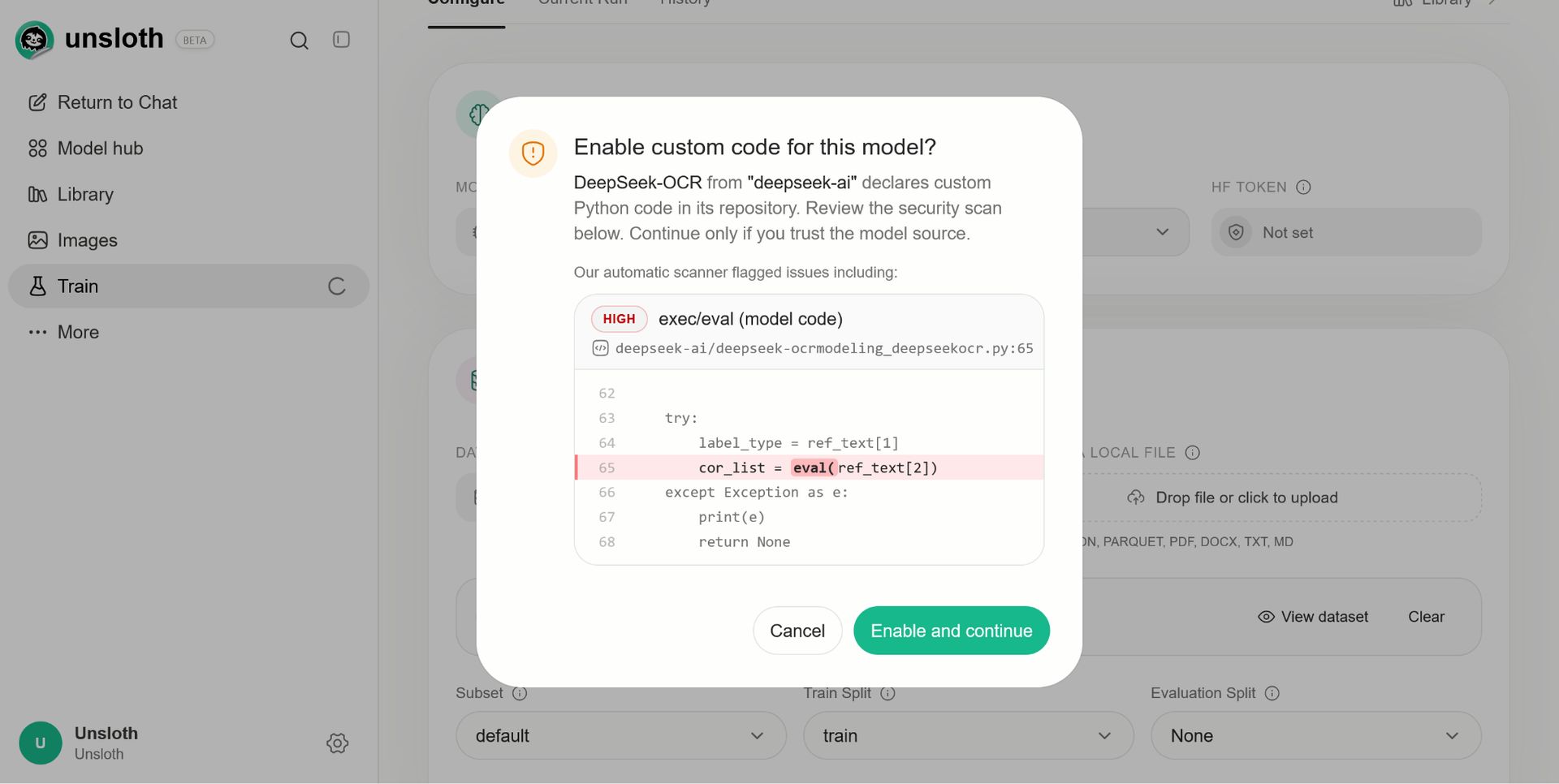
For example, deepseek-ai/deepseek-ocr asks for approval and shows an exec/eval finding. moonshotai/Kimi-VL-A3B-Instruct also asks for approval, with an advanced obfuscation flag. We removed eval calls and other problematic sections in our adapted unsloth/DeepSeek-OCR and unsloth/DeepSeek-OCR-2 repositories. Custom code still needs your permission, even when the scanner finds nothing worrying.
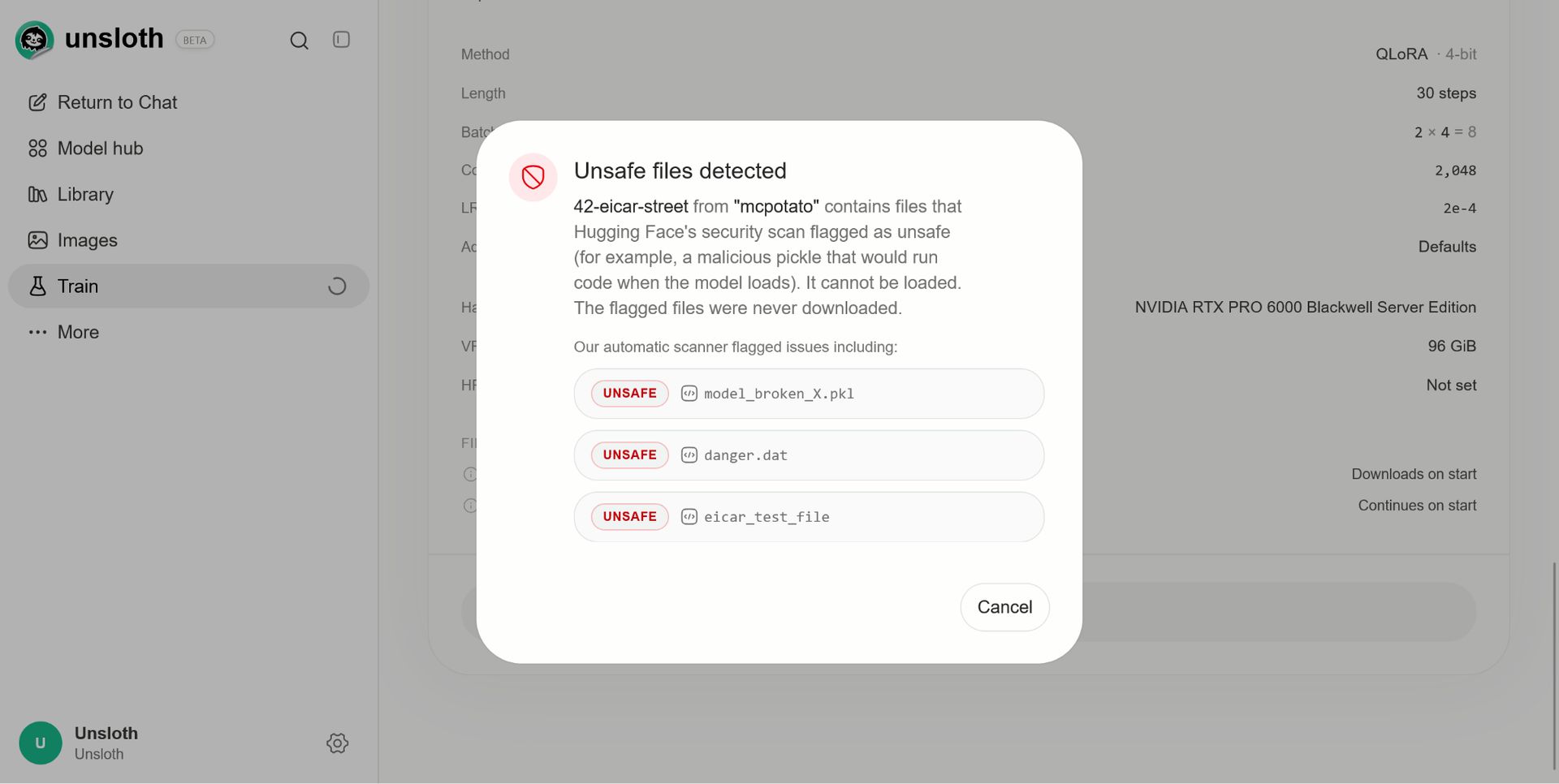
We also check the model's Hugging Face malware scan status. The test repository mcpotato/42-eicar-street is blocked from loading, with a warning that lists the unsafe files and explains that they were never downloaded. For PyTorch model loading, our PyTorch 2.6+ minimum makes .bin weights load with weights_only=True.
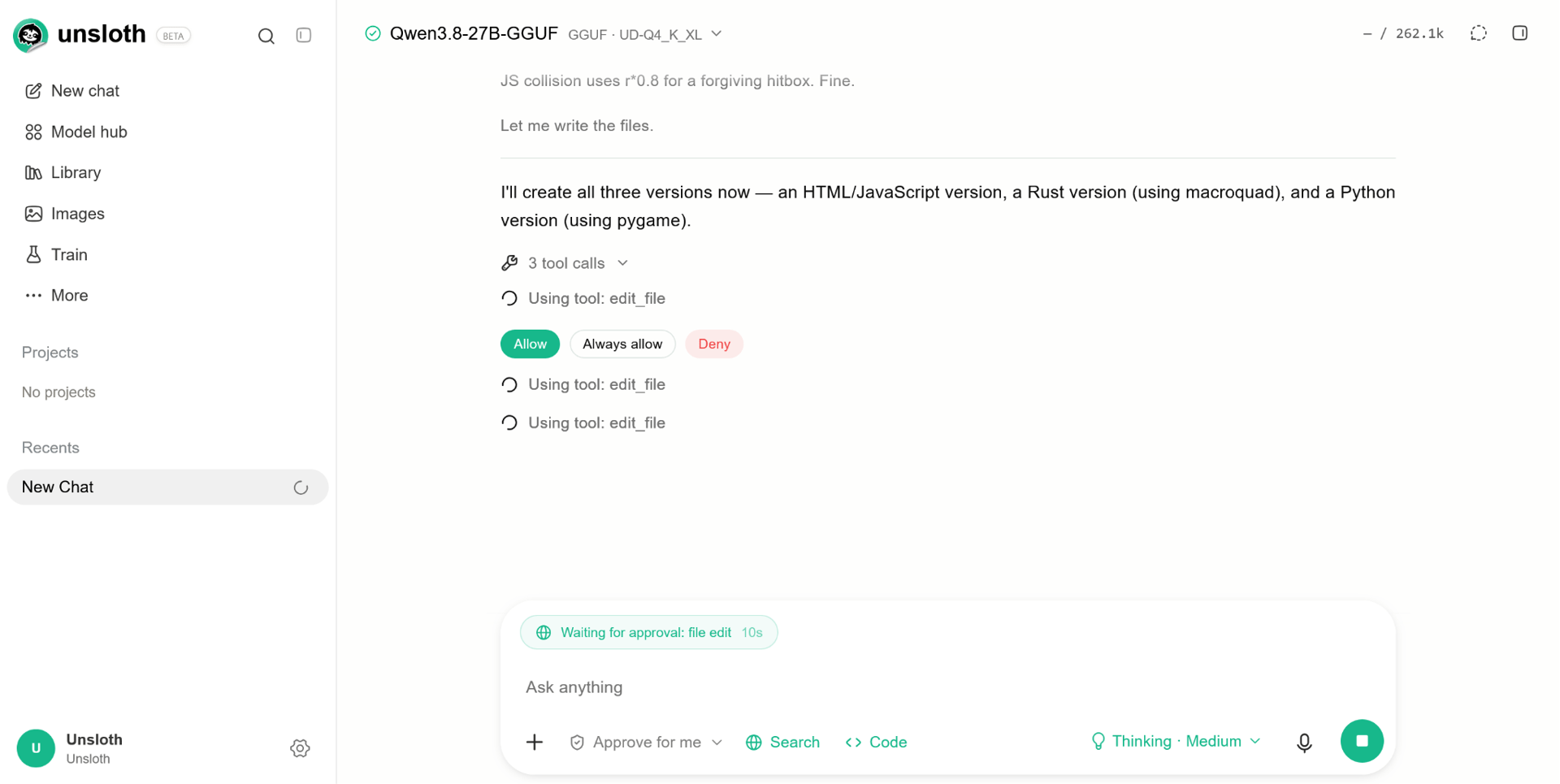
We want you to stay in control of what runs on your machine. Code execution uses operating system sandboxes: bubblewrap on Linux, Seatbelt on macOS and MXC on Windows. HTML and MCP artifacts render in sandboxed frames with their own Content Security Policy, so generated content has a separate boundary too.
You can choose ask, auto or full approval modes. In auto mode, network and filesystem imports are flagged for approval, and file paths need approval. Dangerous shell commands are blocked. Choose the least permissive mode that fits your work, and read code execution requests before allowing them.
Unsloth limits failed login attempts and shows a retry countdown after too many failures. Passwords are stored using salted PBKDF2-HMAC-SHA256. The first administrator password is randomly generated, and the account must replace it at the first login.
Saved provider credentials are encrypted. API keys entered in the browser are encrypted with an RSA key created for that installation.
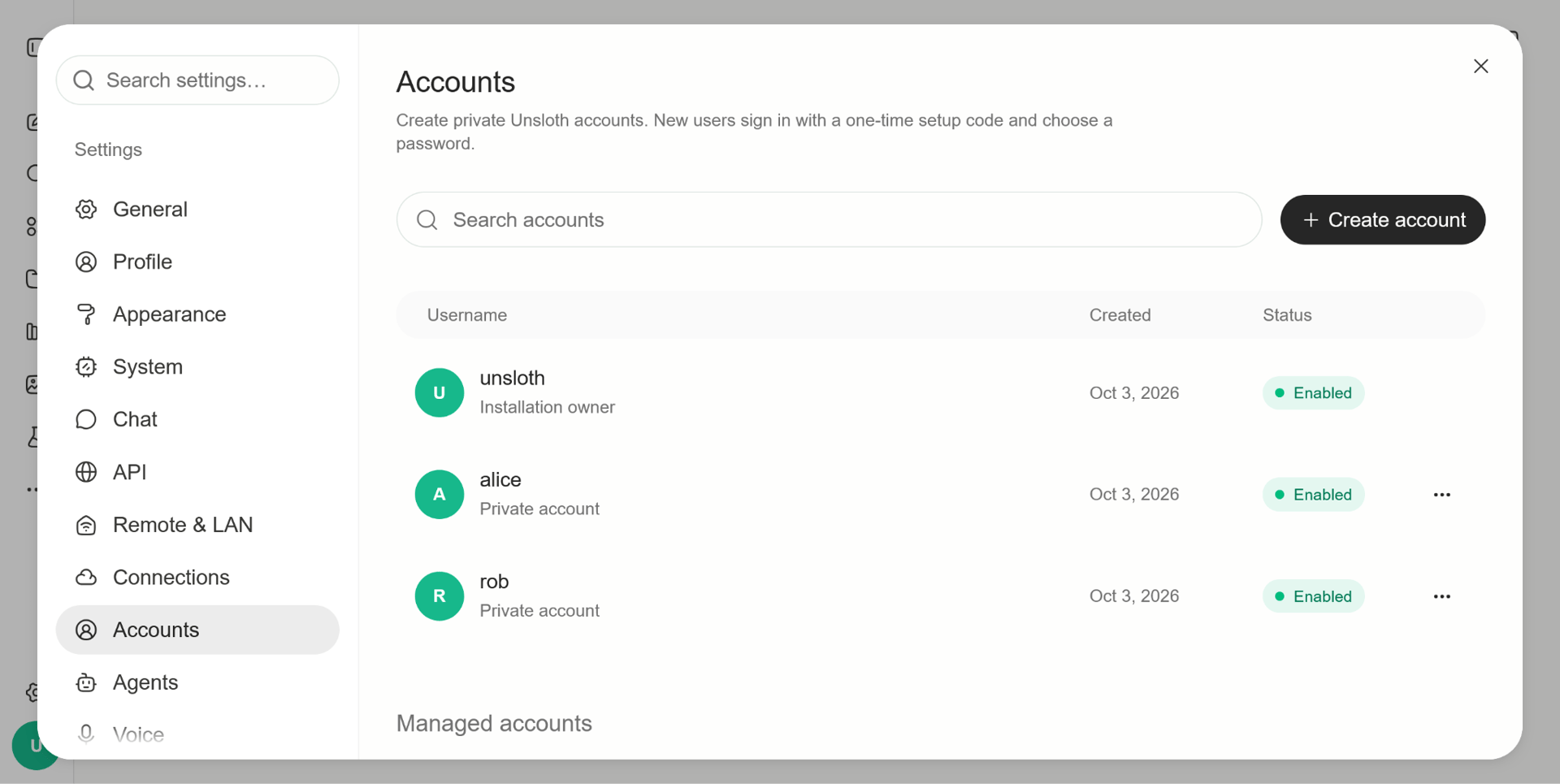
On a shared installation, managed accounts can reach only their own folders. They cannot access the owner's Hugging Face token, need the owner's grant to use models and are blocked from running repository code. That gives an installation owner a way to share access while keeping each account's permissions clear.
If you'd like to access Unsloth remotely, unsloth studio --secure gives you an HTTPS-only endpoint through a Cloudflared tunnel. One detail to check during setup: a tunnel doesn't close the raw port of a server that's already listening on all network interfaces.
HTTPS encrypts the connection, but tools still run as your operating system user. Someone with an API key and network access can execute code on the machine. Keep credentials private, use --disable-tools when exposing Unsloth and read the remote access guide before enabling a tunnel.
Read the secure remote access guideLooking after your security also means checking the software we ship. A release depends on more than our own code, so we put checks around dependency updates, installation scripts and the build process as well.
The npm setting min-release-age=7 rejects packages published in the previous seven days. An allowScripts list limits which packages can run installation scripts, and CI fails if anything unreviewed tries to run. Lockfiles and npm ci keep installations reproducible, and the installer upgrades users to npm 11 or newer.
Before any npm ci or cargo fetch, lockfile_supply_chain_audit.py checks for signs of Shai-Hulud-style injection. scan_npm_packages.py and scan_packages.py inspect npm tarballs and PyPI packages, including installation scripts that read credentials.
Code linters check for unsafe loaders and dynamic execution, with baselines to track findings. The compiled code path has a separate dynamic execution allowlist. We also run pip-audit, npm audit with signature checks and cargo audit to check dependencies for known issues.
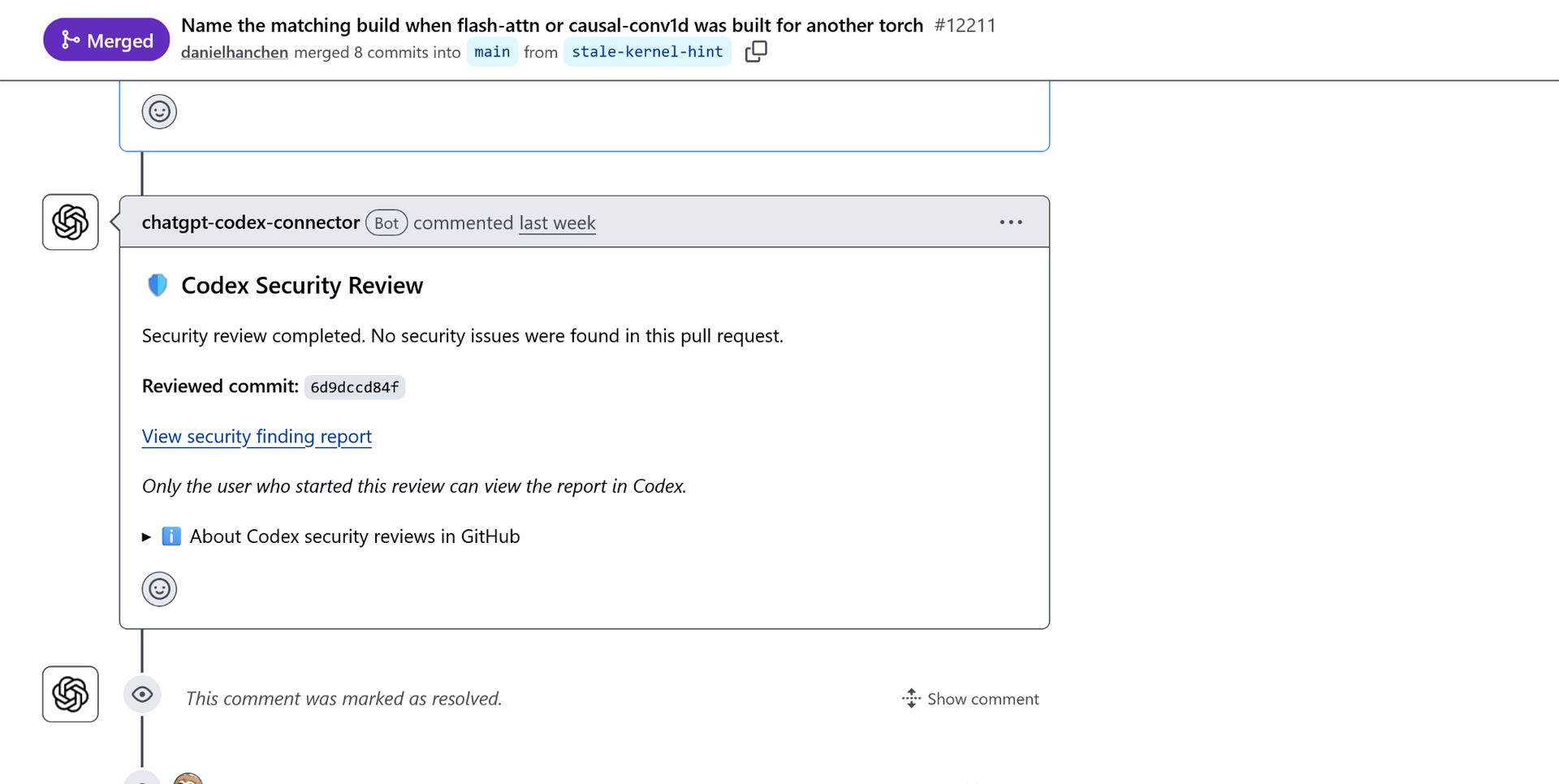
We use Codex Security and repeated Codex reviews during development to catch security issues and bugs as changes are made. CodeQL and Semgrep provide further code analysis. Dependabot updates have cooldowns of three to seven days, and every GitHub Action is pinned to a commit SHA rather than a tag that can change.
Prebuilt llama.cpp binaries are verified against their release SHA-256 digests. A separate workflow audits Windows llama.cpp signatures. All Unsloth Desktop releases are scanned with VirusTotal.
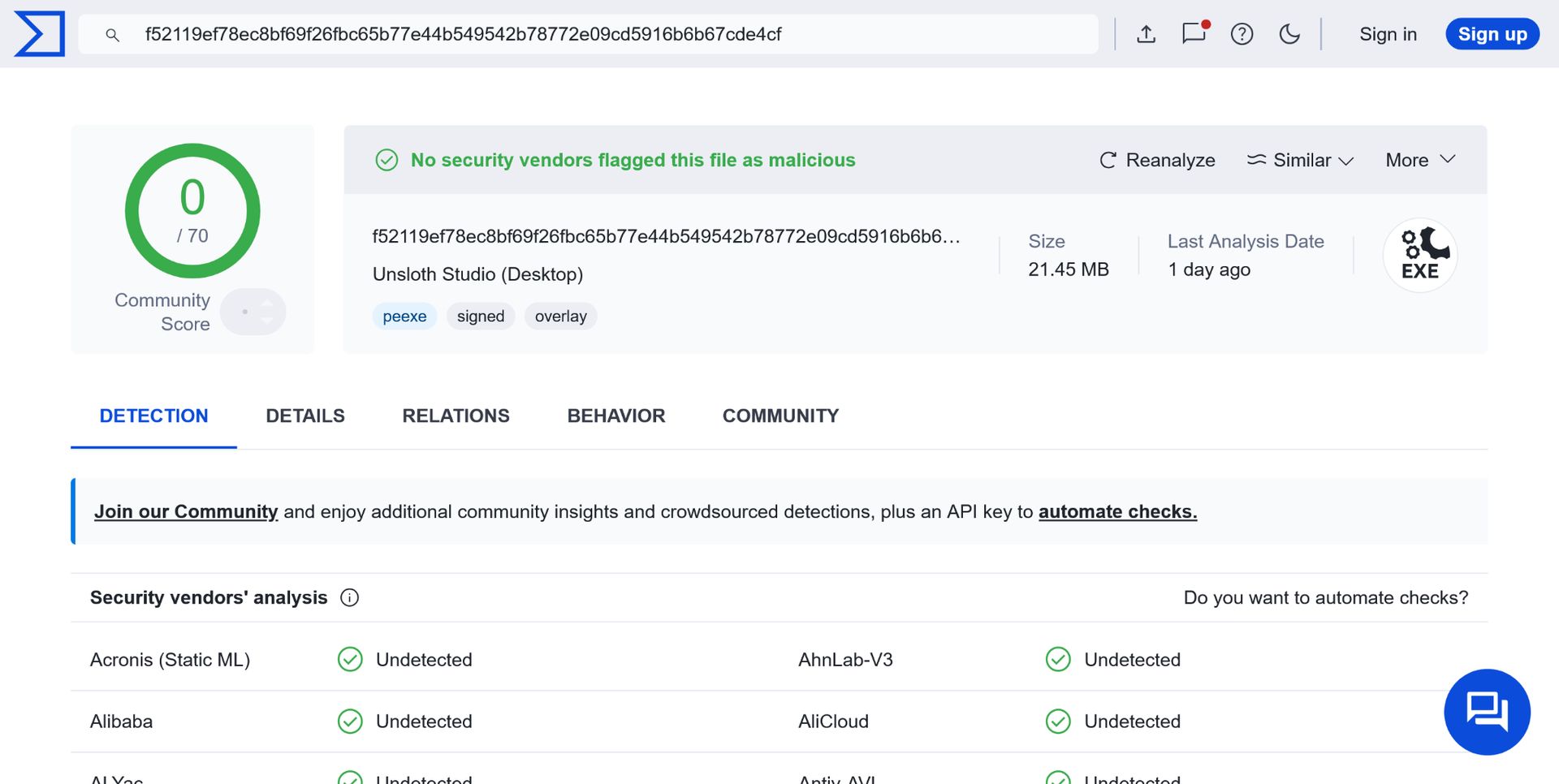
Taking care of your security and safety is ongoing work for us. Scans and reviews help us spot issues early, and we keep checking as the software changes. Each result applies to the files or commit checked at that time, so no single check can cover every situation.
A few everyday habits help too: keep Unsloth Studio, Unsloth Desktop and their dependencies up to date, take a moment to review code requests and keep your access credentials private. Choose an approval mode that gives your work just the permissions it needs. You can find the full details and the examples shown here in our security documentation.
Read the Unsloth security documentation


