> For the complete documentation index, see [llms.txt](https://unsloth.ai/docs/llms.txt). Markdown versions of documentation pages are available by appending `.md` to page URLs; this page is available as [Markdown](https://unsloth.ai/docs/zh/ji-chu-zhi-shi/inference-and-deployment/saving-to-gguf/speculative-decoding.md).
# 投机解码
使用 llama-server、llama.cpp、vLLM 等进行投机解码,实现 2 倍更快的推理
## :llama:llama.cpp、llama-server 中的推测解码
在 llama.cpp 中可以通过以下方式轻松启用推测解码 `llama-cli` 和 `llama-server` 通过 `--model-draft` 参数。请注意,你必须有一个草稿模型,它通常是一个较小的模型,但它必须使用相同的分词器
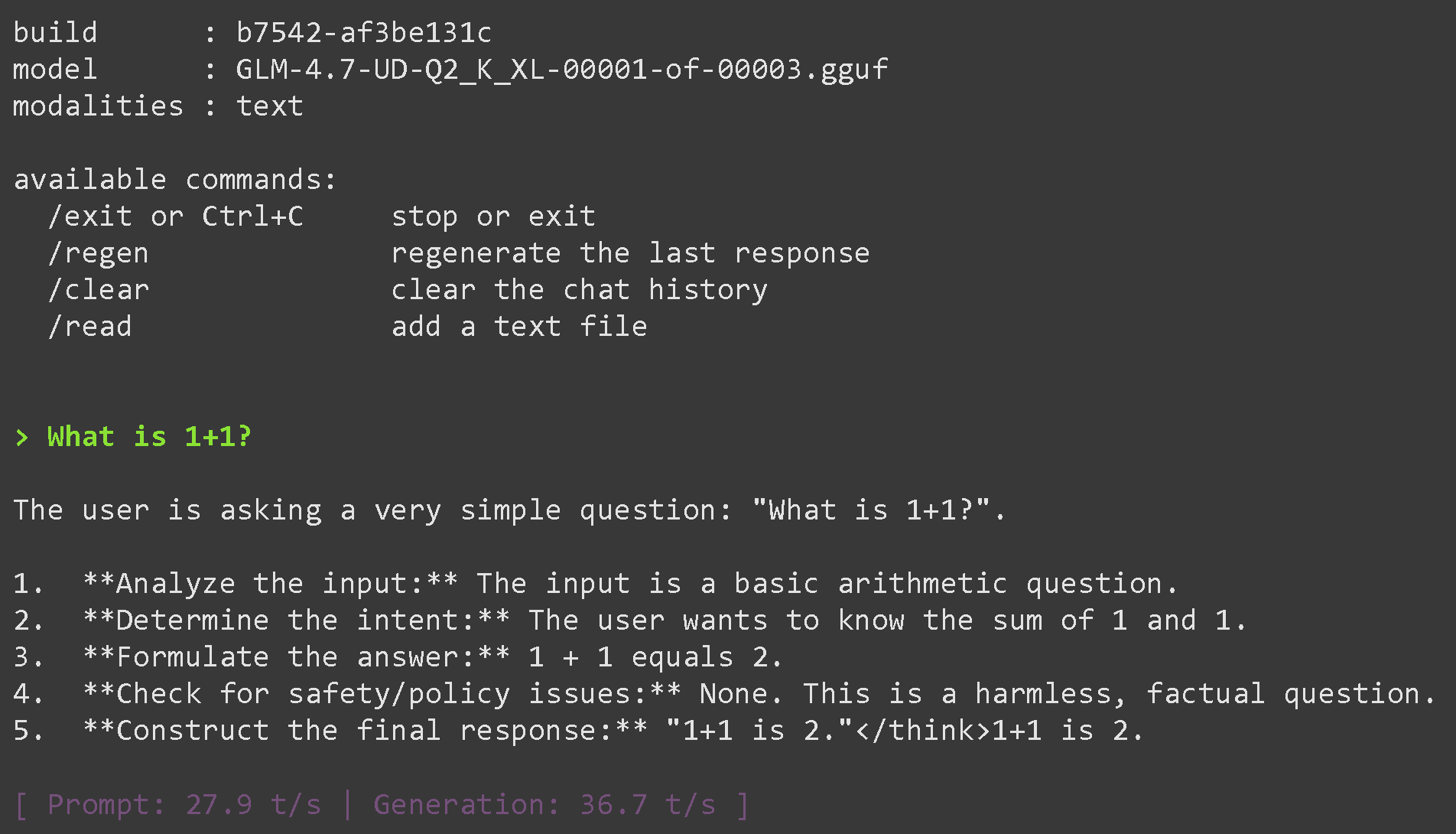
### GLM 4.7 的推测解码
```python
# !pip install huggingface_hub hf_transfer
import os
os.environ["HF_HUB_ENABLE_HF_TRANSFER"] = "0" # 有时可能会触发速率限制,因此将其设为 0 以禁用
from huggingface_hub import snapshot_download
snapshot_download(
repo_id = "unsloth/GLM-4.7-GGUF",
local_dir = "unsloth/GLM-4.7-GGUF",
allow_patterns = ["*UD-Q2_K_XL*"], # 动态 2bit 使用 "*UD-TQ1_0*" 表示动态 1bit
)
snapshot_download(
repo_id = "unsloth/GLM-4.5-Air-GGUF",
local_dir = "unsloth/GLM-4.5-Air-GGUF",
allow_patterns = ["*UD-Q4_K_XL*"], # 动态 4bit。对于动态 1bit 使用 "*UD-TQ1_0*"
)
```
{% code overflow="wrap" %}
```bash
./llama.cpp/llama-cli \\
--model unsloth/GLM-4.7-GGUF/UD-Q2_K_XL/GLM-4.7-UD-Q2_K_XL-00001-of-00003.gguf \\
--threads -1 \\
--fit on \\
--prio 3 \
--temp 1.0 \\
--top-p 0.95 \\
--ctx-size 16384 \
--jinja
```
{% endcode %}
{% code overflow="wrap" %}
```bash
./llama.cpp/llama-cli \\
--model unsloth/GLM-4.7-GGUF/UD-Q2_K_XL/GLM-4.7-UD-Q2_K_XL-00001-of-00003.gguf \\
--model-draft unsloth/GLM-4.5-Air-GGUF/UD-Q4_K_XL/GLM-4.5-Air-UD-Q4_K_XL-00001-of-00002.gguf \
--threads -1 \\
--fit on \\
--prio 3 \
--temp 1.0 \\
--top-p 0.95 \\
--ctx-size 16384 \
--ctx-size-draft 16384 \
--jinja \\
--device CUDA0 \
--device-draft CUDA0,CUDA1
```
{% endcode %}
{% code overflow="wrap" %}
```bash
./llama.cpp/llama-server \\
--model unsloth/GLM-4.7-GGUF/UD-Q2_K_XL/GLM-4.7-UD-Q2_K_XL-00001-of-00003.gguf \\
--alias "unsloth/GLM-4.7" \\
--threads -1 \\
--fit on \\
--prio 3 \
--temp 1.0 \\
--top-p 0.95 \\
--ctx-size 16384 \
--port 8001 \\
--jinja
```
{% endcode %}
---
# Agent Instructions
This documentation is published with GitBook. GitBook is the documentation platform designed so that both humans and AI agents can read, navigate, and reason over technical content effectively. Learn more at gitbook.com.
## Querying This Documentation
If you need additional information that is not directly available in this page, you can query the documentation by asking a question.
Perform an HTTP GET request on the following URL with the `ask` and `goal` query parameters:
```
GET https://unsloth.ai/docs/zh/ji-chu-zhi-shi/inference-and-deployment/saving-to-gguf/speculative-decoding.md?ask=&goal=
```
`ask` is the immediate question: it should be specific, self-contained, and written in natural language.
`goal` is what the user is ultimately trying to achieve, the reason they need the answer. Sharing it helps GitBook give you a better, more relevant answer. A goal is most helpful when it describes the outcome the user wants rather than restating the question. For example, with `ask=how do I create an API token`, a goal like `automate deployments from our CI pipeline` lets GitBook tailor the answer to that use case.
The response will contain a direct answer to the question and relevant excerpts and sources from the documentation.
Use this mechanism when the answer is not explicitly present in the current page, you need clarification or additional context, or you want to retrieve related documentation sections.