> For the complete documentation index, see [llms.txt](https://unsloth.ai/docs/llms.txt). Markdown versions of documentation pages are available by appending `.md` to page URLs; this page is available as [Markdown](https://unsloth.ai/docs/blog/fine-tuning-llms-with-nvidia-dgx-spark-and-unsloth.md).
# Fine-tuning LLMs with NVIDIA DGX Spark and Unsloth
Tutorial on how to fine-tune and do reinforcement learning (RL) with OpenAI gpt-oss on NVIDIA DGX Spark.
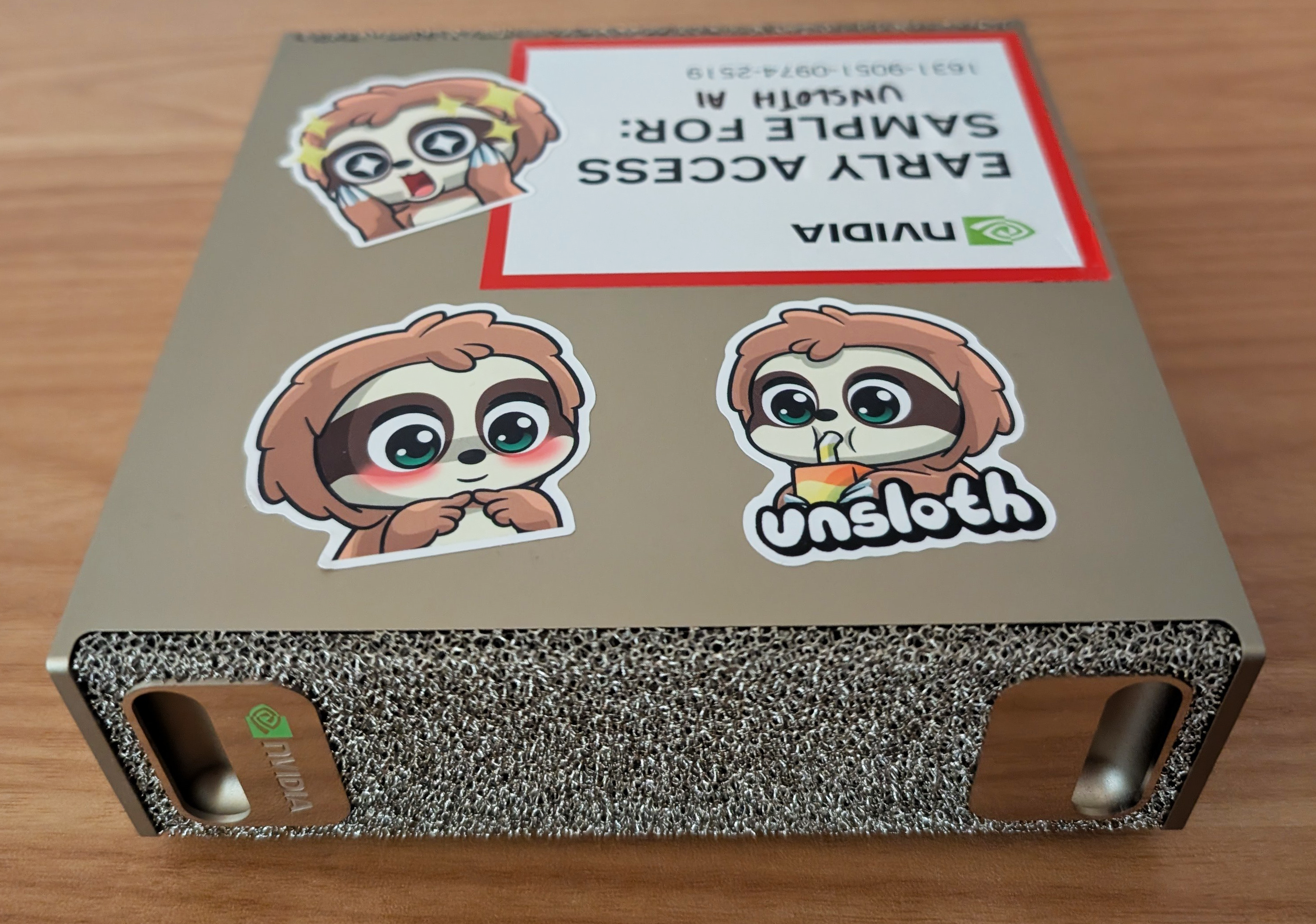
Unsloth enables local fine-tuning of LLMs with up to **200B parameters** on the NVIDIA DGX™ Spark. With 128 GB of unified memory, you can train massive models such as **gpt-oss-120b**, and run or deploy inference directly on DGX Spark.
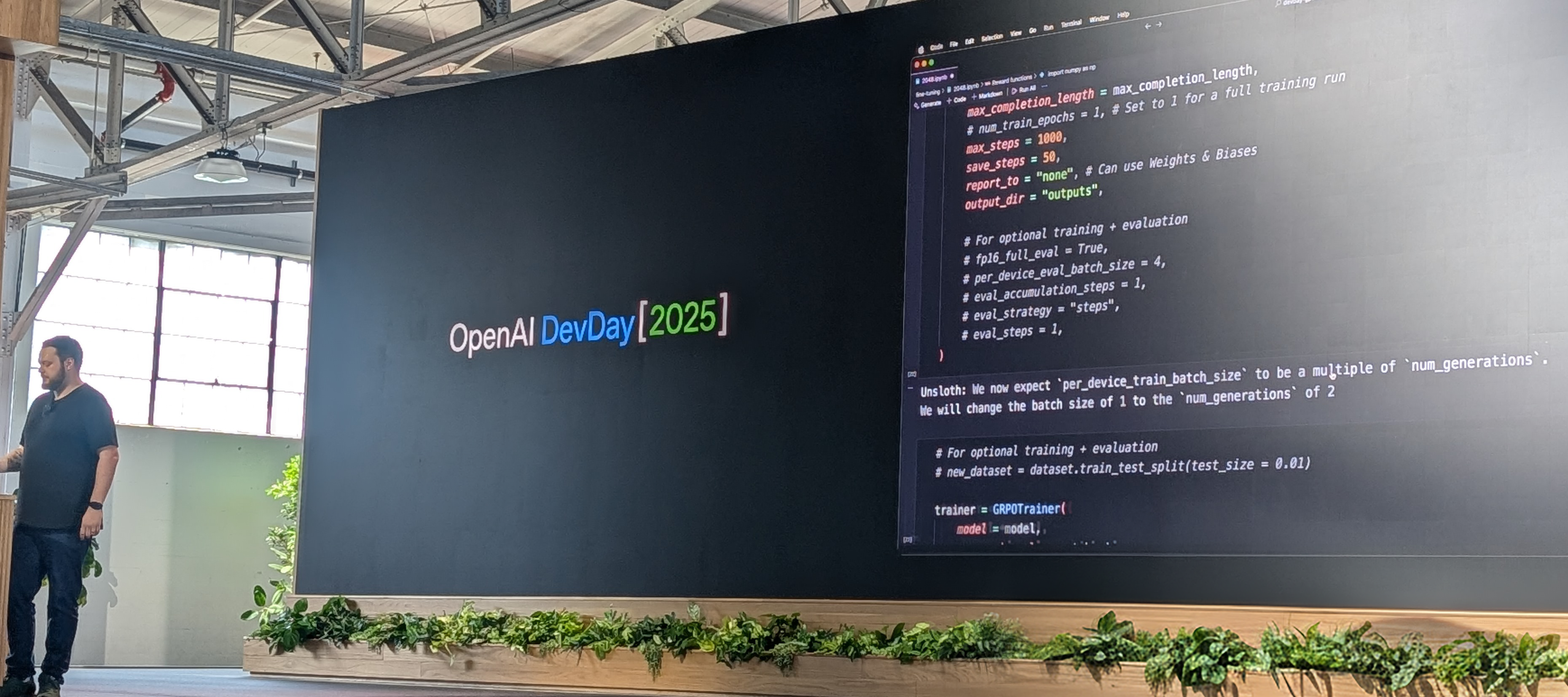
As shown at [OpenAI DevDay](https://x.com/UnslothAI/status/1976284209842118714), gpt-oss-20b was trained with RL and Unsloth on DGX Spark to auto-win 2048. You can train using Unsloth in a Docker container or virtual environment on DGX Spark.
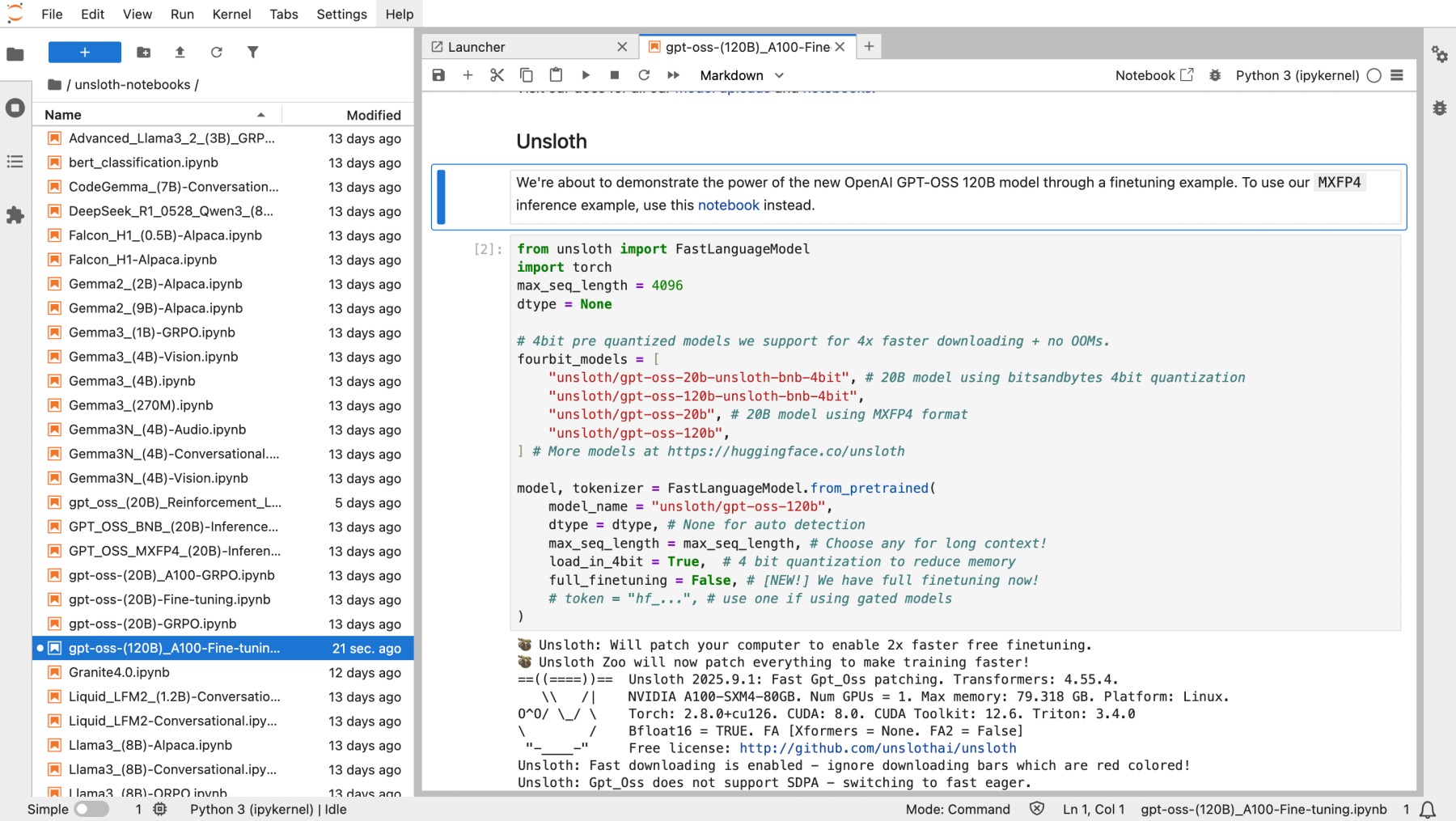
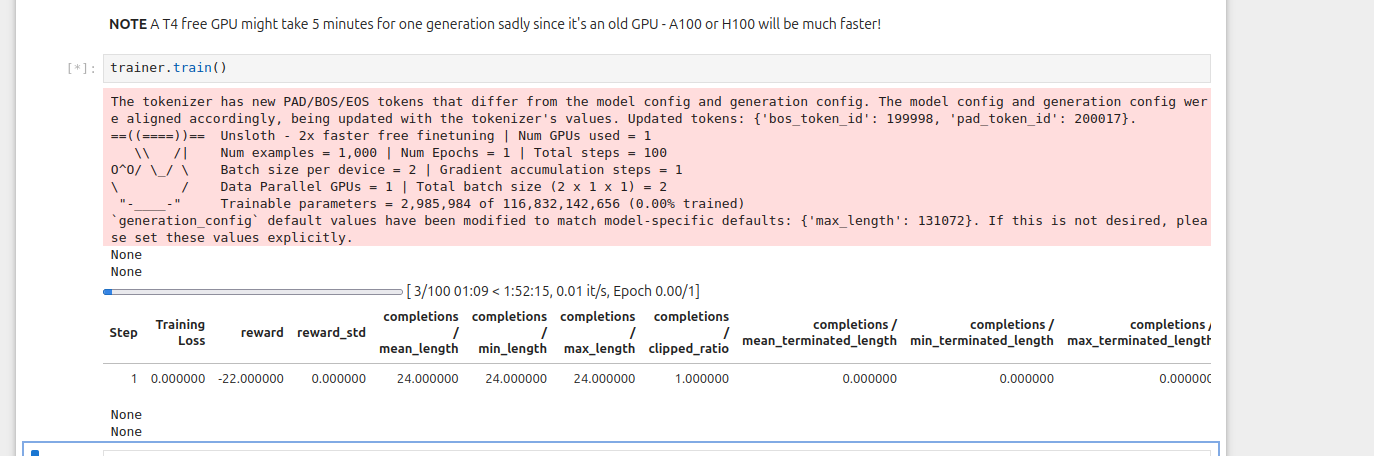
In this tutorial, we’ll train gpt-oss-20b with RL using Unsloth notebooks after installing Unsloth on your DGX Spark. gpt-oss-120b will use around **68GB** of unified memory.
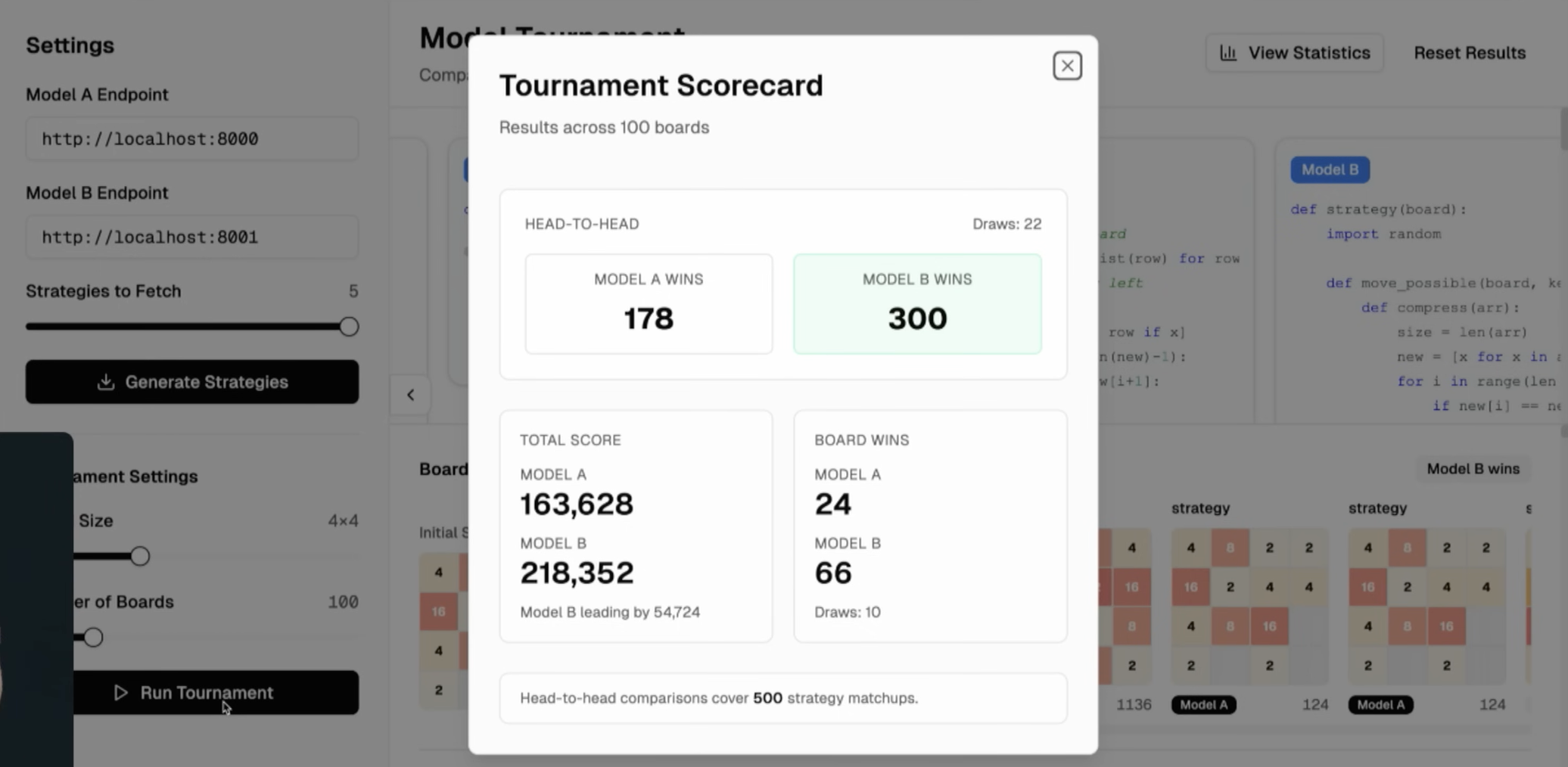
After 1,000 steps and 4 hours of RL training, the gpt-oss model greatly outperforms the original on 2048, and longer training would further improve results.
You can watch Unsloth featured on OpenAI DevDay 2025 here.
gpt-oss trained with RL consistently outperforms on 2048.
### ⚡ Step-by-Step Tutorial
{% stepper %}
{% step %}
**Start with Unsloth Docker image for DGX Spark**
First, build the Docker image using the DGX Spark Dockerfile which can be [found here](https://raw.githubusercontent.com/unslothai/notebooks/main/Dockerfile_DGX_Spark). You can also run the below in a Terminal in the DGX Spark:
```bash
sudo apt update && sudo apt install -y wget
wget -O Dockerfile "https://raw.githubusercontent.com/unslothai/notebooks/main/Dockerfile_DGX_Spark"
```
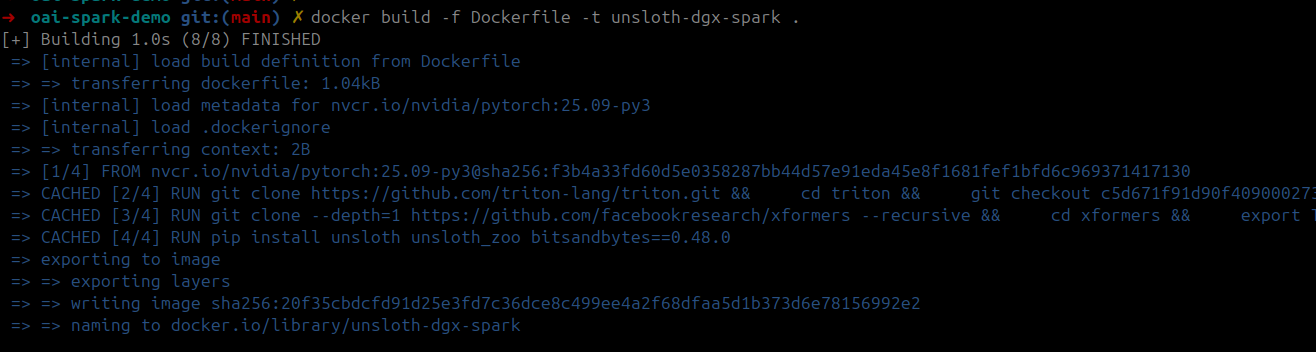
Then, build the training Docker image using saved Dockerfile:
```bash
docker build -f Dockerfile -t unsloth-dgx-spark .
```
You can also click to see the full DGX Spark Dockerfile
```python
FROM nvcr.io/nvidia/pytorch:25.09-py3
# Set CUDA environment variables
ENV CUDA_HOME=/usr/local/cuda-13.0/
ENV CUDA_PATH=$CUDA_HOME
ENV PATH=$CUDA_HOME/bin:$PATH
ENV LD_LIBRARY_PATH=$CUDA_HOME/lib64:$LD_LIBRARY_PATH
ENV C_INCLUDE_PATH=$CUDA_HOME/include:$C_INCLUDE_PATH
ENV CPLUS_INCLUDE_PATH=$CUDA_HOME/include:$CPLUS_INCLUDE_PATH
# Install triton from source for latest blackwell support
RUN git clone https://github.com/triton-lang/triton.git && \
cd triton && \
git checkout c5d671f91d90f40900027382f98b17a3e04045f6 && \
pip install -r python/requirements.txt && \
pip install . && \
cd ..
# Install xformers from source for blackwell support
RUN git clone --depth=1 https://github.com/facebookresearch/xformers --recursive && \
cd xformers && \
export TORCH_CUDA_ARCH_LIST="12.1" && \
python setup.py install && \
cd ..
# Install unsloth and other dependencies
RUN pip install unsloth unsloth_zoo bitsandbytes==0.48.0 transformers==4.56.2 trl==0.22.2
# Launch the shell
CMD ["/bin/bash"]
```
{% endstep %}
{% step %}
**Launch container**
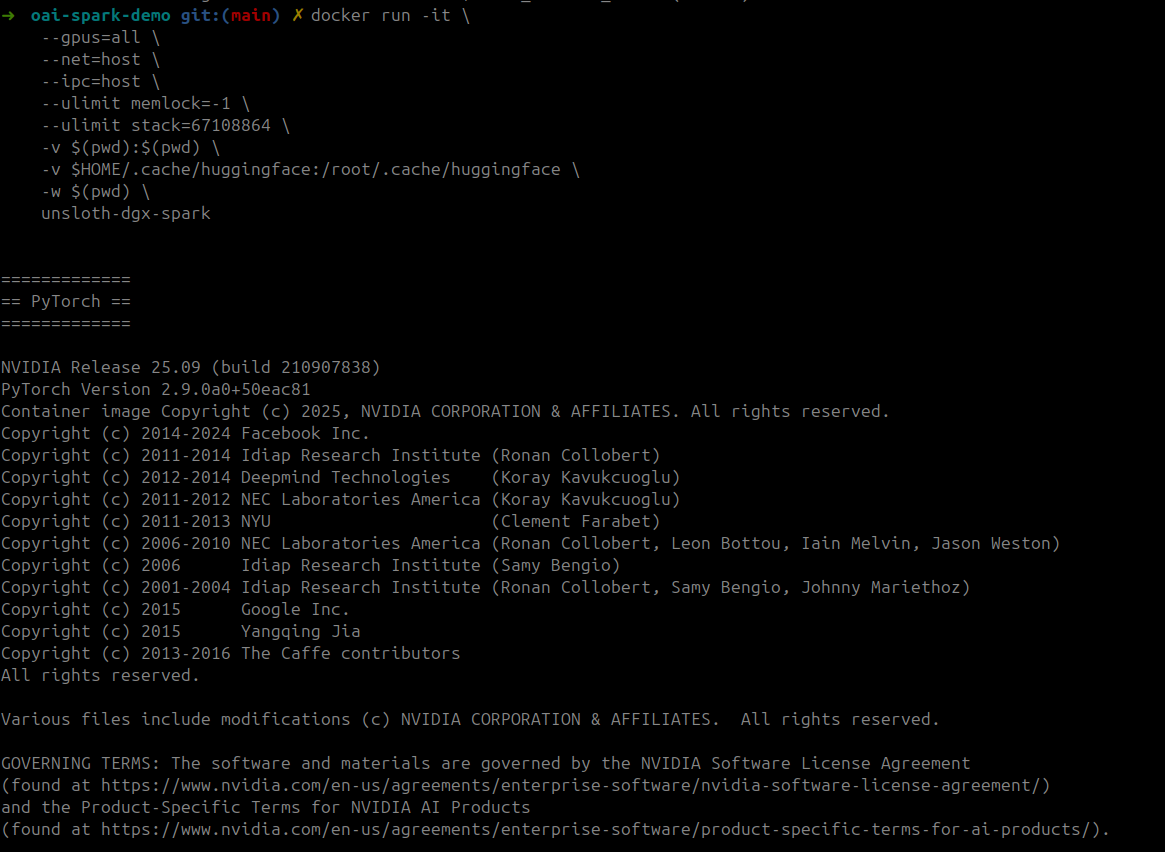
Launch the training container with GPU access and volume mounts:
```bash
docker run -it \
--gpus=all \
--net=host \
--ipc=host \
--ulimit memlock=-1 \
--ulimit stack=67108864 \
-v $(pwd):$(pwd) \
-v $HOME/.cache/huggingface:/root/.cache/huggingface \
-w $(pwd) \
unsloth-dgx-spark
```
{% endstep %}
{% step %}
**Start Jupyter and Run Notebooks**
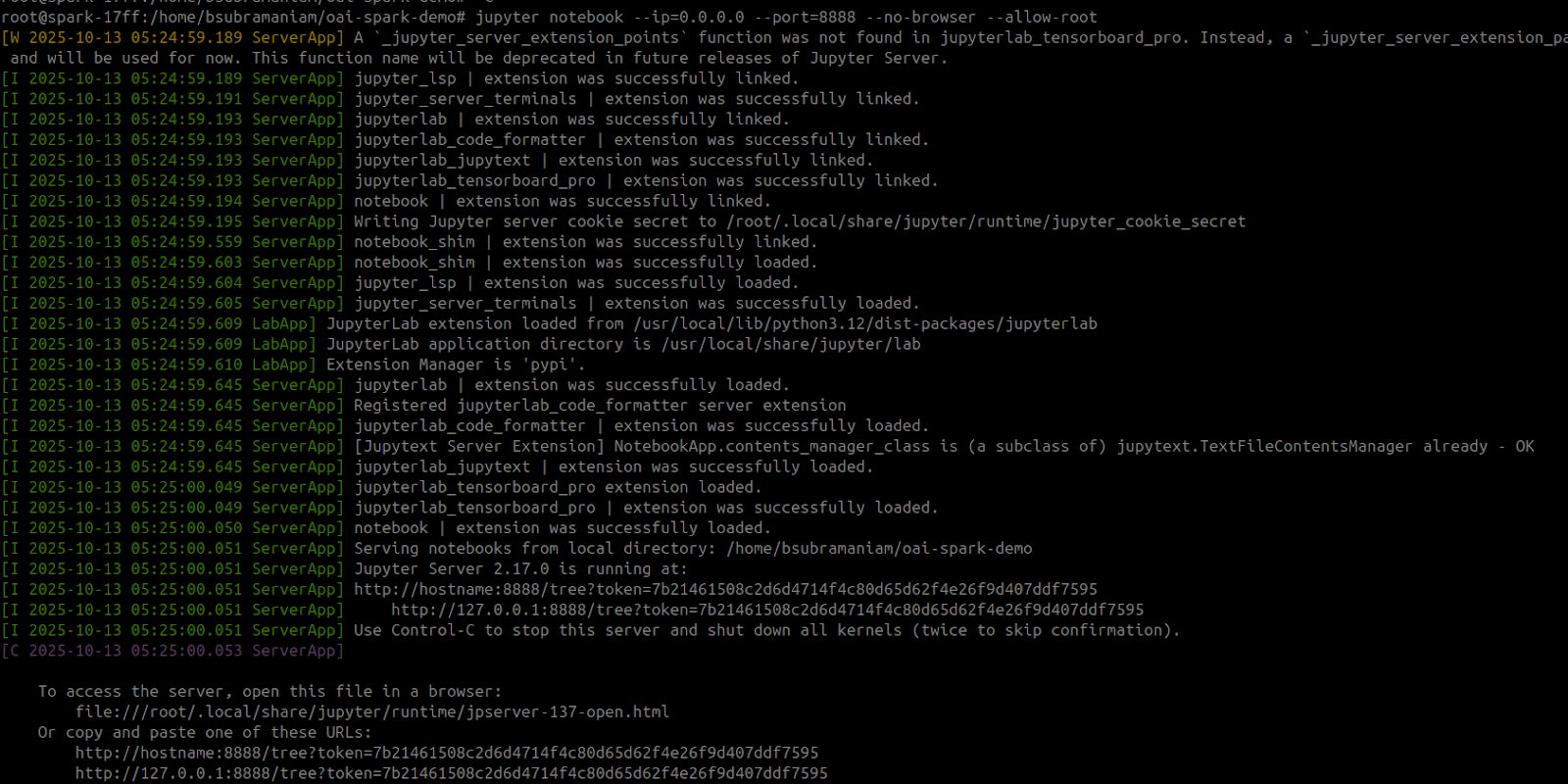
Inside the container, start Jupyter and run the required notebook. You can use the Reinforcement Learning gpt-oss 20b to win 2048 [notebook here](https://github.com/unslothai/notebooks/blob/main/nb/gpt_oss_\(20B\)_Reinforcement_Learning_2048_Game_DGX_Spark.ipynb). In fact all [Unsloth notebooks](https://docs.unsloth.ai/get-started/unsloth-notebooks) work in DGX Spark including the **120b** notebook! Just remove the installation cells.
The below commands can be used to run the RL notebook as well. After Jupyter Notebook is launched, open up the “`gpt_oss_20B_RL_2048_Game.ipynb`”
```bash
NOTEBOOK_URL="https://raw.githubusercontent.com/unslothai/notebooks/refs/heads/main/nb/gpt_oss_(20B)_Reinforcement_Learning_2048_Game_DGX_Spark.ipynb"
wget -O "gpt_oss_20B_RL_2048_Game.ipynb" "$NOTEBOOK_URL"
jupyter notebook --ip=0.0.0.0 --port=8888 --no-browser --allow-root
```
Don't forget Unsloth also allows you to [save and run](/docs/basics/inference-and-deployment.md) your models after fine-tuning so you can locally deploy them directly on your DGX Spark after.
{% endstep %}
{% endstepper %}
Many thanks to [Lakshmi Ramesh](https://www.linkedin.com/in/rlakshmi24/) and [Barath Anandan](https://www.linkedin.com/in/barathsa/) from NVIDIA for helping Unsloth’s DGX Spark launch and building the Docker image.
### Unified Memory Usage
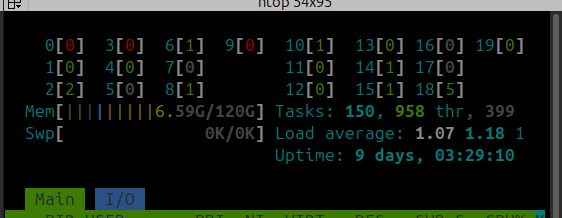
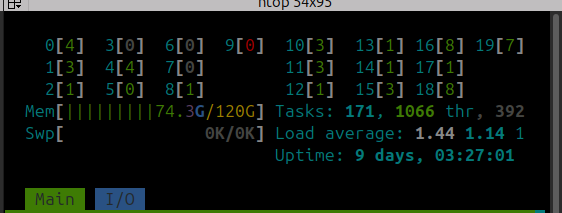
gpt-oss-120b QLoRA 4-bit fine-tuning will use around **68GB** of unified memory. How your unified memory usage should look **before** (left) and **after** (right) training:
And that's it! Have fun training and running LLMs completely locally on your NVIDIA DGX Spark!
### Video Tutorials
Thanks to Tim from [AnythingLLM](https://github.com/Mintplex-Labs/anything-llm) for providing a great fine-tuning tutorial with Unsloth on DGX Spark:
{% embed url="" %}
---
# Agent Instructions
This documentation is published with GitBook. GitBook is the documentation platform designed so that both humans and AI agents can read, navigate, and reason over technical content effectively. Learn more at gitbook.com.
## Querying This Documentation
If you need additional information that is not directly available in this page, you can query the documentation dynamically by asking a question.
Perform an HTTP GET request on the following URL with the `ask` and `goal` query parameters:
```
GET https://unsloth.ai/docs/blog/fine-tuning-llms-with-nvidia-dgx-spark-and-unsloth.md?ask=&goal=
```
`ask` is the immediate question: it should be specific, self-contained, and written in natural language.
`goal` is what the user is ultimately trying to achieve, the reason they need the answer. Sharing it helps GitBook give you a better, more relevant answer. A goal is most helpful when it describes the outcome the user wants rather than restating the question. For example, with `ask=how do I create an API token`, a goal like `build a script that syncs our docs to a CMS` lets GitBook tailor the answer to that use case.
The response will contain a direct answer to the question and relevant excerpts and sources from the documentation.
Use this mechanism when the answer is not explicitly present in the current page, you need clarification or additional context, or you want to retrieve related documentation sections.